33
3 press the selected input’s button repeatedly until you see
the name you wish to use
This action will cause the display to cycle through the list of avail-
able names, with the input number appended to the end of each
name. For example, you might wish to change input #6 from
NOT
USED
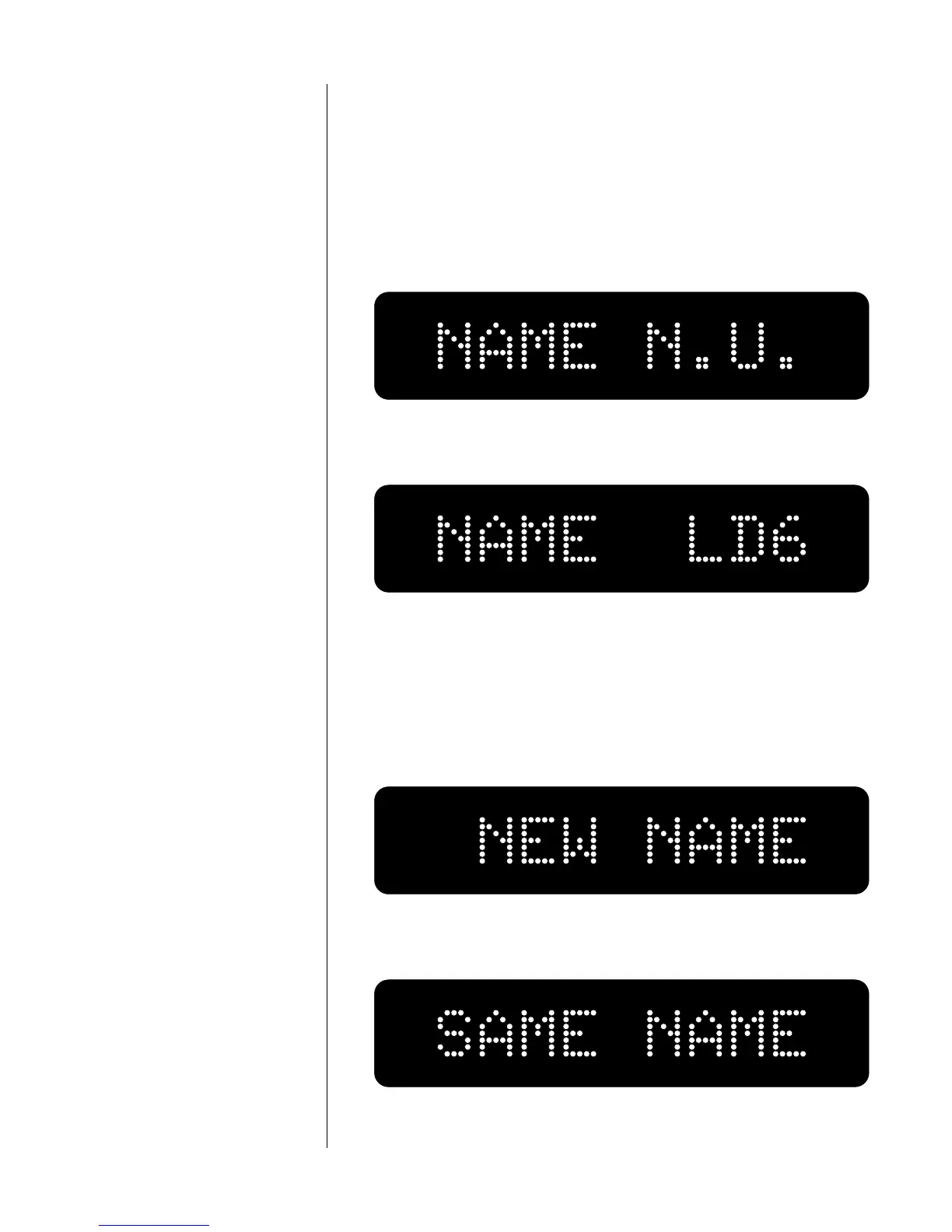
to LD6 if the digital output of your laserdisc player is
plugged into the EIAJ input. In this case the display would appear
initially as follows:
and you would cycle through the various names until you saw:
4 Press and hold the mode button To the confirm change
Pressing and holding the mode button a second time confirms
that you would like to make this change, that it is a conscious
choice (rather than an accidental change caused by an inquisitive
four year old):
If no change is made, the display will show:
5 Repeat this process for all inputs



 To Next Page