15
EN
6.2.4 Starting mode
6.2.4.1 Manual start mode
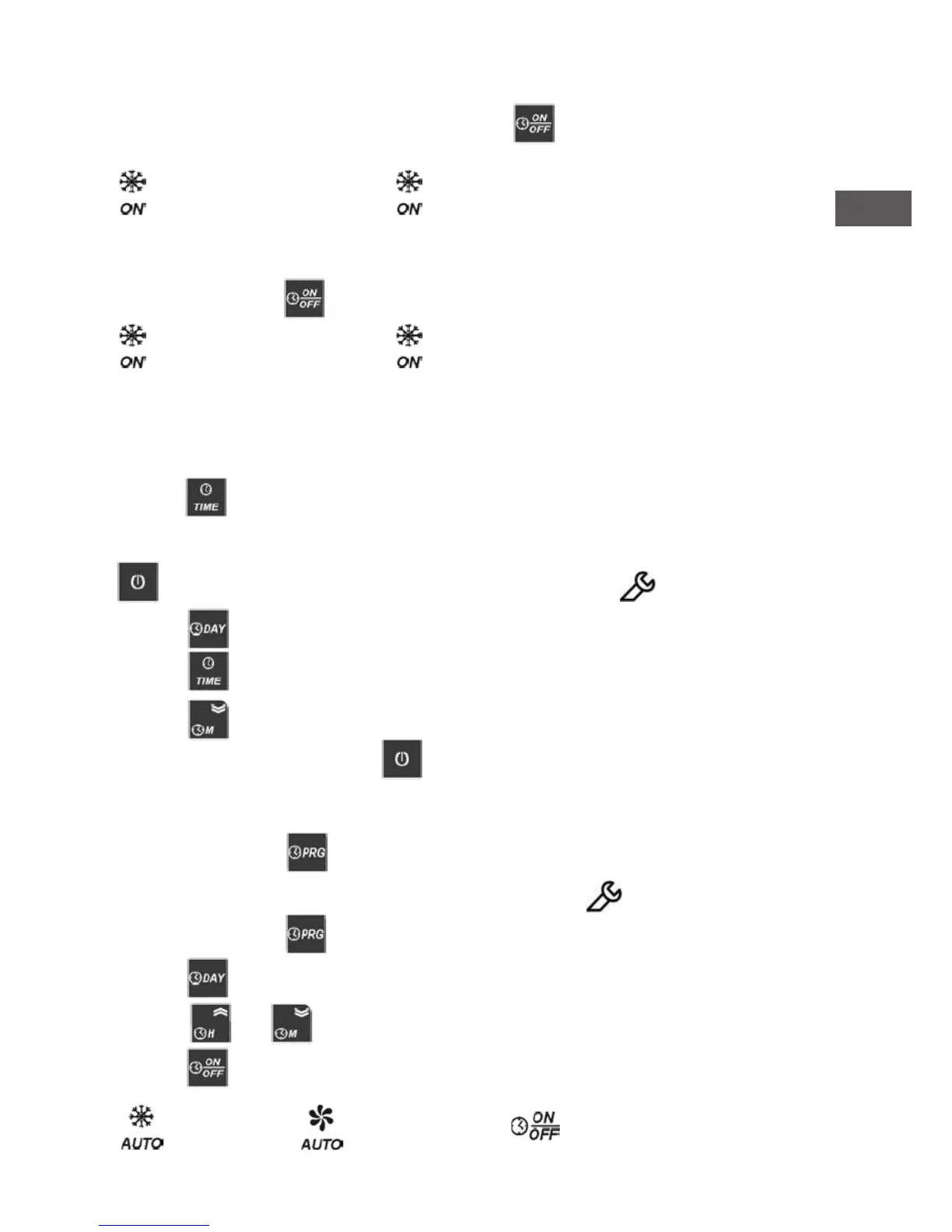
With the machine switched on, press several times the key until the led goes on the
corresponding operation mode required:
Cooling Ventilation
6.2.4.2 Automatic start mode
The unit will operate according to the programme setted. With the machine switched on,
press several times the key until the led goes on the corresponding mode required:
Cooling Ventilation
6.2.5 Settings
6.2.5.1 Setting current time
Keep the key pressed until display shows “time”
Release the key, display shows the setted current time. It will be shown for 5”sec. or until the
key is pressed. When you are showing/modifying the time, the symbol blinking.
Press the key to set the day of the week, 1 = Monday, 2 = Tuesday . . , 7 = Sunday.
Press the key to insert the current hour.
Press the key to insert the current minutes.
To get back wait 5”sec. or press the key
6.2.5.2 Setting On/Off periods
Press several times the key until the display shows PR9.
Release the key, the display shows the rst memory position, the symbol blinking.
Press several times the key until the display shows the rst free memory position “- -:- -“.
Press the key to insert the day or the combination of days required.
Press the and keys to insert the ON or OFF time.
Press the key to set the event:
on = Cooling on = Ventilation On = unit ON, Off = unit OFF


 To Next Page