16
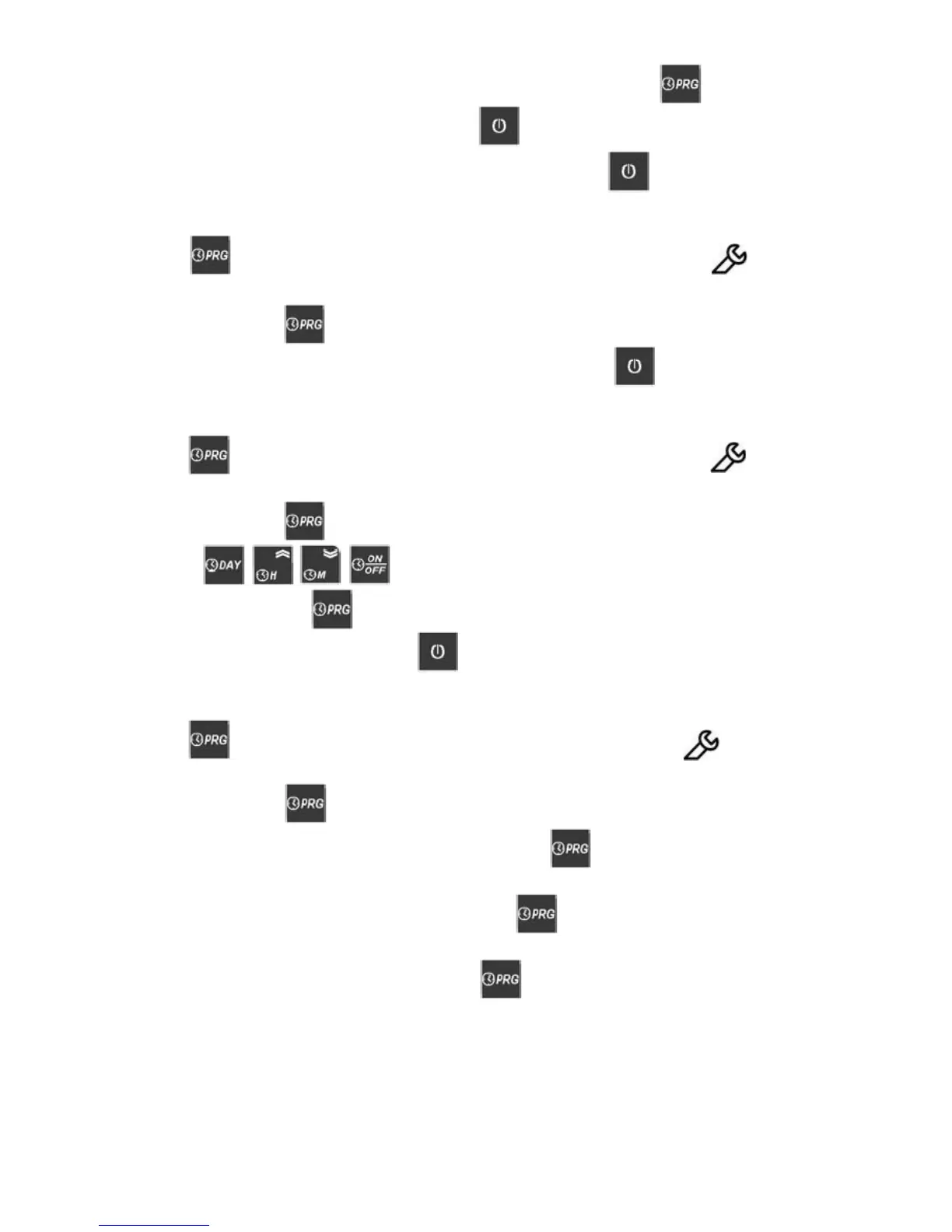
Then save the programme and go to the next free memory space press the key.
Then exit and show the preview display, press the key.
If you want to exit without saving the last program setted, press the key or wait 30”sec.
6.2.5.3 Reading a stored program
Press the key and the display will show the rst space in memory while the symbol
blinking.
Press several times the key and select the programme to be changed.
To exit programs reading and go back to the main display, press the key or wait 30”sec.
6.2.5.4 Modifying a program
Press the key and the display will show the rst space in memory while the symbol
blinking.
Press several times the key and select the programme to be changed.
By pressing keys it is possible to change the settings.
To save changes, press the key.
To exit the programming mode press the key or wait 30”sec.
6.2.5.5 Deleting a program
Press the key, the display will show the rst space in memory while the symbol
blinking.
Press several times the key and select the programme to be deleted.
To delete the selected program, press and keep pressed the key, until the display will
show “- -:- -“
To delete all the programs, press and keep pressed the key, until the display after showing
“- -:- -“ will show “EALL”.
To exit and go back to the current time, press the key.


 To Next Page