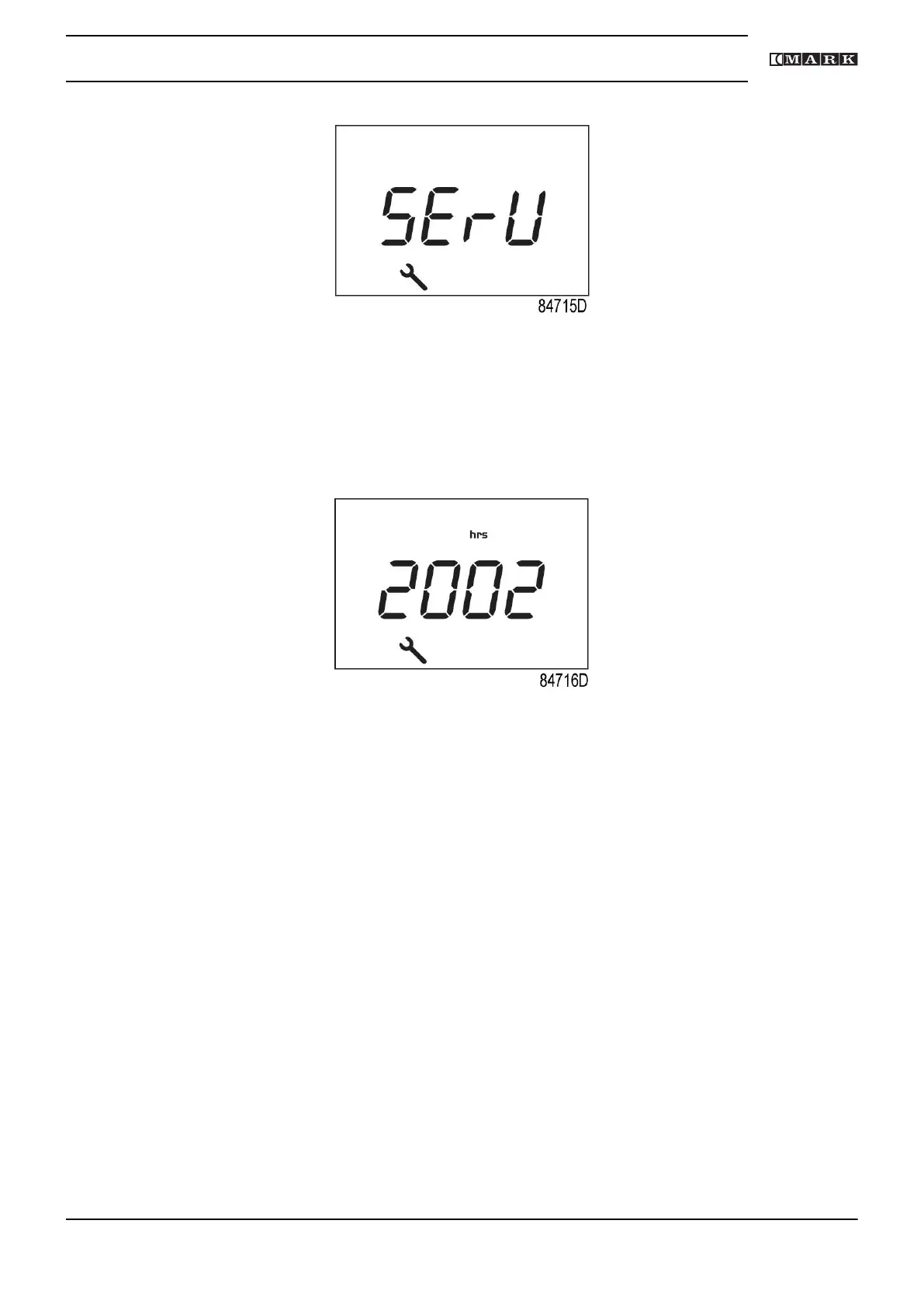
Blinking screen
• Press Enter button (7) to enter the main menu.
• Select <dAtA> and press Enter button (7) to enter the data menu.
• Scroll (buttons 4-8) until <d.6> and the service symbol is shown.
• Press enter button (7).
• The actual reading of the service timer is shown in <hrs>.
Example of running hours screen
The example screen shows that the service timer is at 2002 hours.
Stop the compressor, switch off the voltage and carry out the required service actions.
After servicing, reset the service timer.
See section Calling up/resetting the service timer.
Instruction book
2920 7201 40 35



 To Next Page