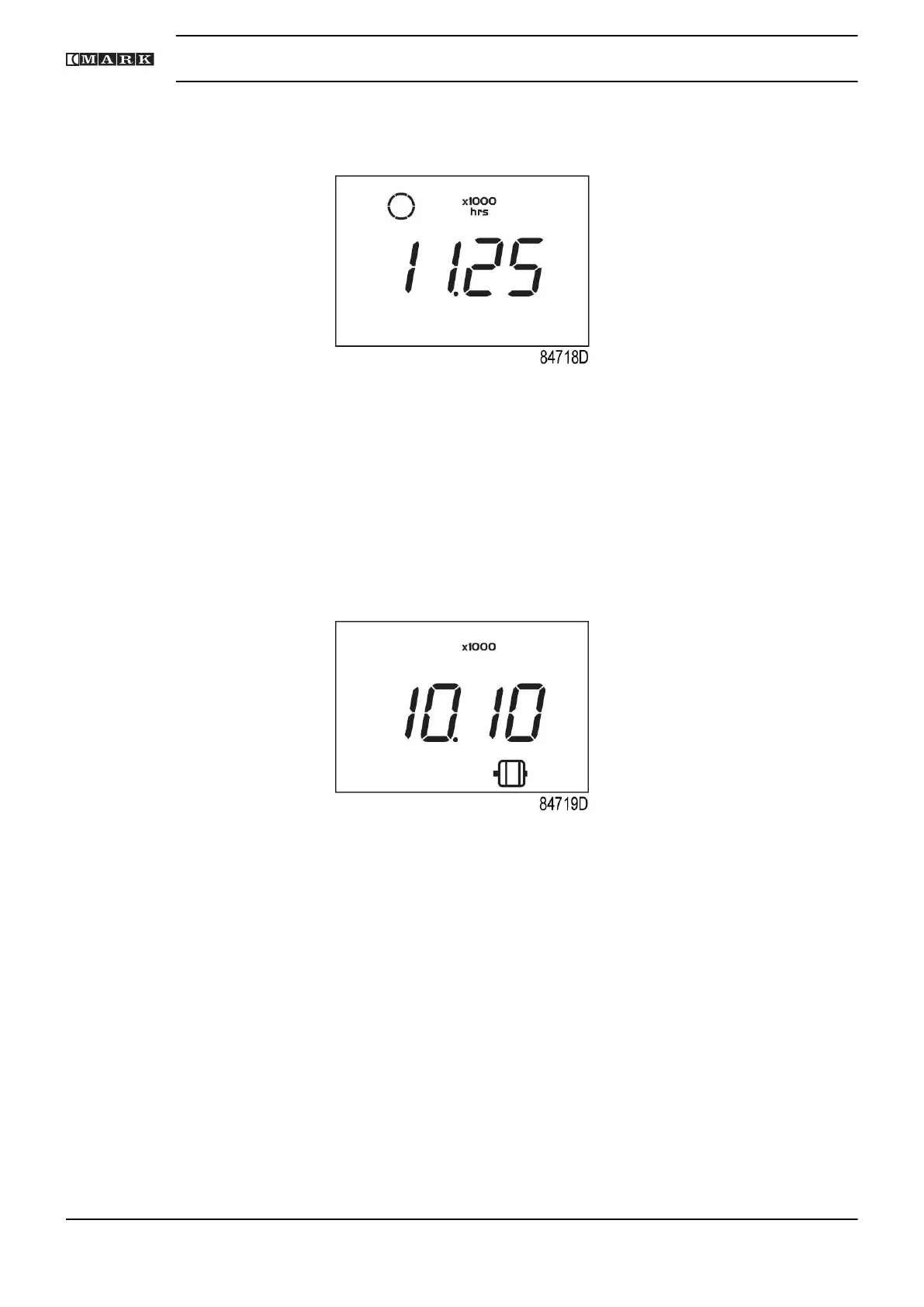
• Scroll Up or Down buttons (4-8) until <d.1> and the motor stopped symbol is shown.
• Press Enter button (7): the running hours are shown.
The screen shows the unit used <x1000 hrs> and the value <11.25>: the running hours of the
compressor are 11250 hours.
3.11 Calling up motor starts
Starting from the Main screen:
• Press Enter button (7) for 3 seconds to enter the Main menu.
• Select <dAtA> and press Enter button (7) to enter the Data menu.
• Scroll Up or Down buttons (4-8) until <d.2> and the motor symbol is shown.
• Press Enter button (7): the number of motor starts is shown.
This screen shows the number of motor starts (x1 or - if <x1000> lights up - x1000). In the above
example, the number of motor starts is 10100.
3.12 Calling up module hours
Starting from the Main screen:
• Press Enter button (7) for 3 seconds to enter the Main menu.
• Select <dAtA> and press Enter button (7) to enter the Data menu.
• Scroll Up or Down buttons (4-8) until <d.3> and <hrs> is shown.
• Press Enter button (7): the module time appears.
Instruction book
38 2920 7201 40



 To Next Page