5
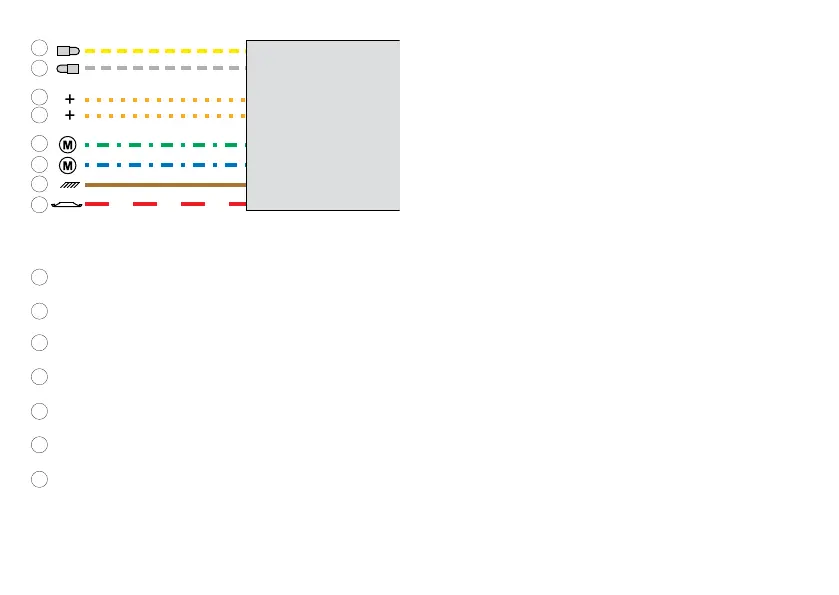
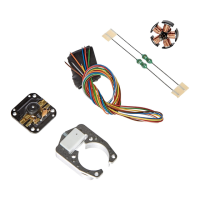
Wire colors:
yellow = hot wire to the rear headlight
gray = hot wire to the front headlight
orange = ground return for functions
green = motor connection
blue = motor connection
brown = ground return
red = track power conductor
Operation with Delta
Address set at the factory: steam locomotive (78)
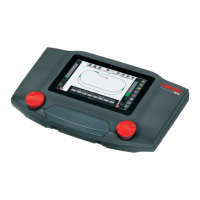
The address set can only be changed with the Control Unit,
the Mobile Station, or the Central Station.
Controllable functions with the 66045: users (example: head-
lights) connected to the yellow and/or gray wire.
Operation with the Control Unit, Mobile Station or Central
Station
Address set at the factory: 78
Controllable functions:
function/off: users (example: headlights) connected to the
yellow and/or gray wire.
f4: acceleration and braking delay
Setting up the locomotive on the Mobile Station
1. Select a suitable locomotive from the database.
(example: 36850)
2. Adjust the address.
3. Adjust the designation on the screen.
1
2
3
4
5
6
7
1
2
3
4
5
6
7
3


 To Next Page