40
Volume settings
mfx protocol: The total volume for the sound functions can be changed easily with the 60213/60214/60215 Central Station in
the CV menu “Sound”. The function mapping (assigning the function buttons) and the individual volume settings are done
with the function buttons. The sound number is required for the function mapping.
fx protocol: In the fx protocol only the total volume can be changed with CV 63. It is not possible to change the individual
volumes. However, settings done under mfx are preserved.
DCC protocol: To change the individual sound volume must be 31 CV changed to the value 16 and CV 32 to 0 before. The
sound number is required for the function mapping and for the assignment of the CVs to the sound.
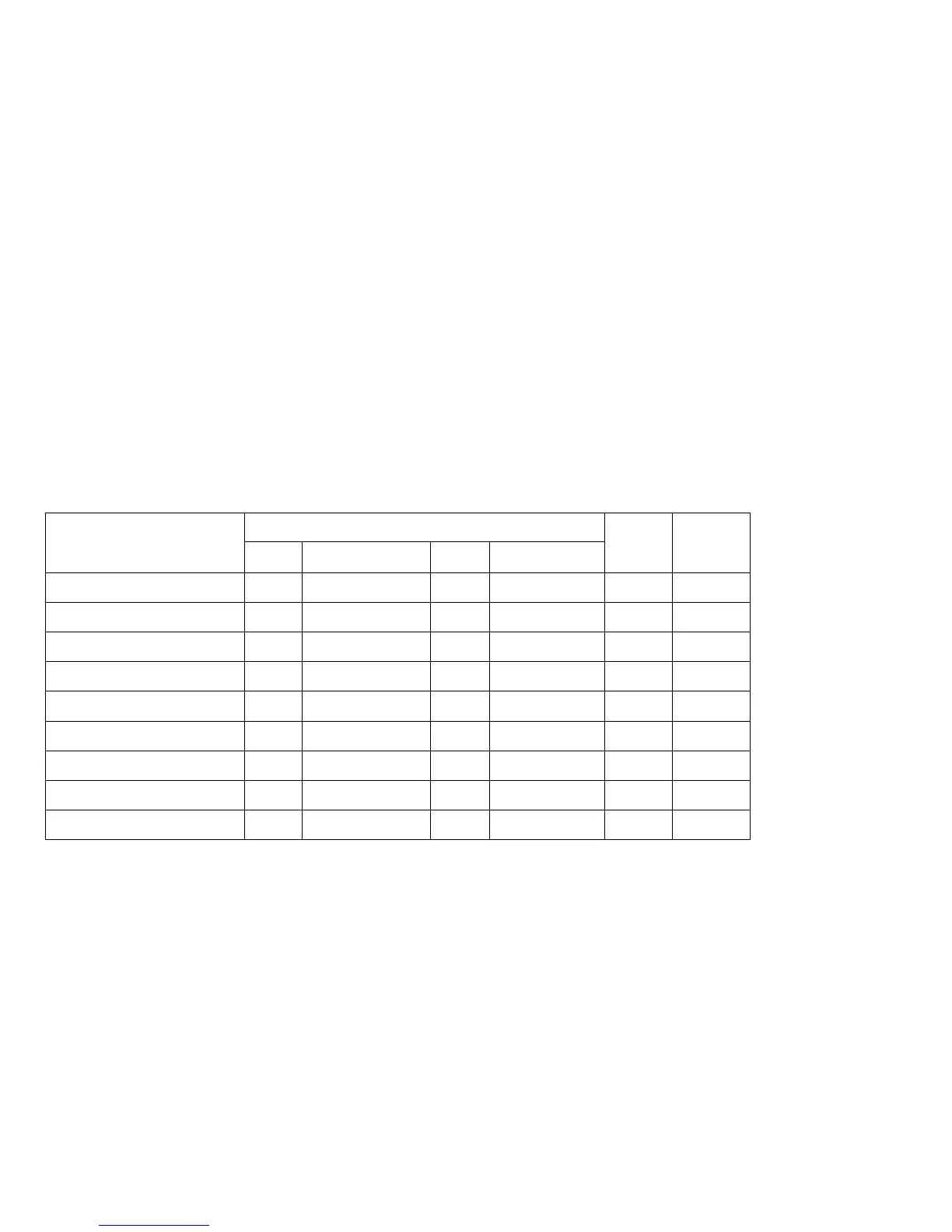
Sound functions
Sound-Nr.
Default Values
CV Diesel CV Electric
Sound effect: Function f2 300 Running sounds 300 Running sounds 180 0 - 255
Sound effect: Function f3
301 1 301 1 180 0 - 255
Sound effect: Function f7
302 2 302 2 180 0 - 255
Sound effect: Function f10 309 9 309 9 180 0 - 255
Sound effect: Function f11 303 3 303 3 180 0 - 255
Sound effect: Function f12 304 4 304 4 180 0 - 255
Sound effect: Function f13 307 7 308 8 180 0 - 255
Sound effect: Function f14 314 14 314 14 180 0 - 255
Sound effect: Function f15 305 5 305 5 180 0 - 255
Total volume (CV63) and brake squeal (CV 146) see tables below.



 To Next Page