ADDING A WIRED SENSOR TO THE DOOR/WINDOW
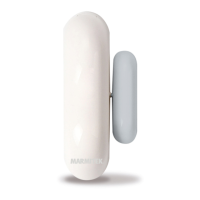
SENSOR DS90
The DS90 Door/Window Sensor has a contact for an extra
wired sensor. These sensors need to be of type NC (normally
closed contacts). There should not be any power on this
contact (potential-free).
1. Open the transmitter part of the DS90 by removing the
screw.
2. Remove the wire bridge from the connection for the wired
sensor (6).
3. Connect your sensor.
The wired contact has its own zone on the console. You can
register the contact using the procedure as described in your
manual. To register the sensor, trigger the alarm of your
wired sensor while registering it.
The setting of the MIN/MAX switch (entry delay) of the
DS90 is valid for both the magnetic contact and the wired
sensor.
TECHNICAL DATA
Power 2x AAA battery
Range Up to 100m free field, up to 30m through
walls and ceilings
Dimensions 44x86x20mm
Frequency 433.92 MHz
6 © MARMITEK



 To Next Page