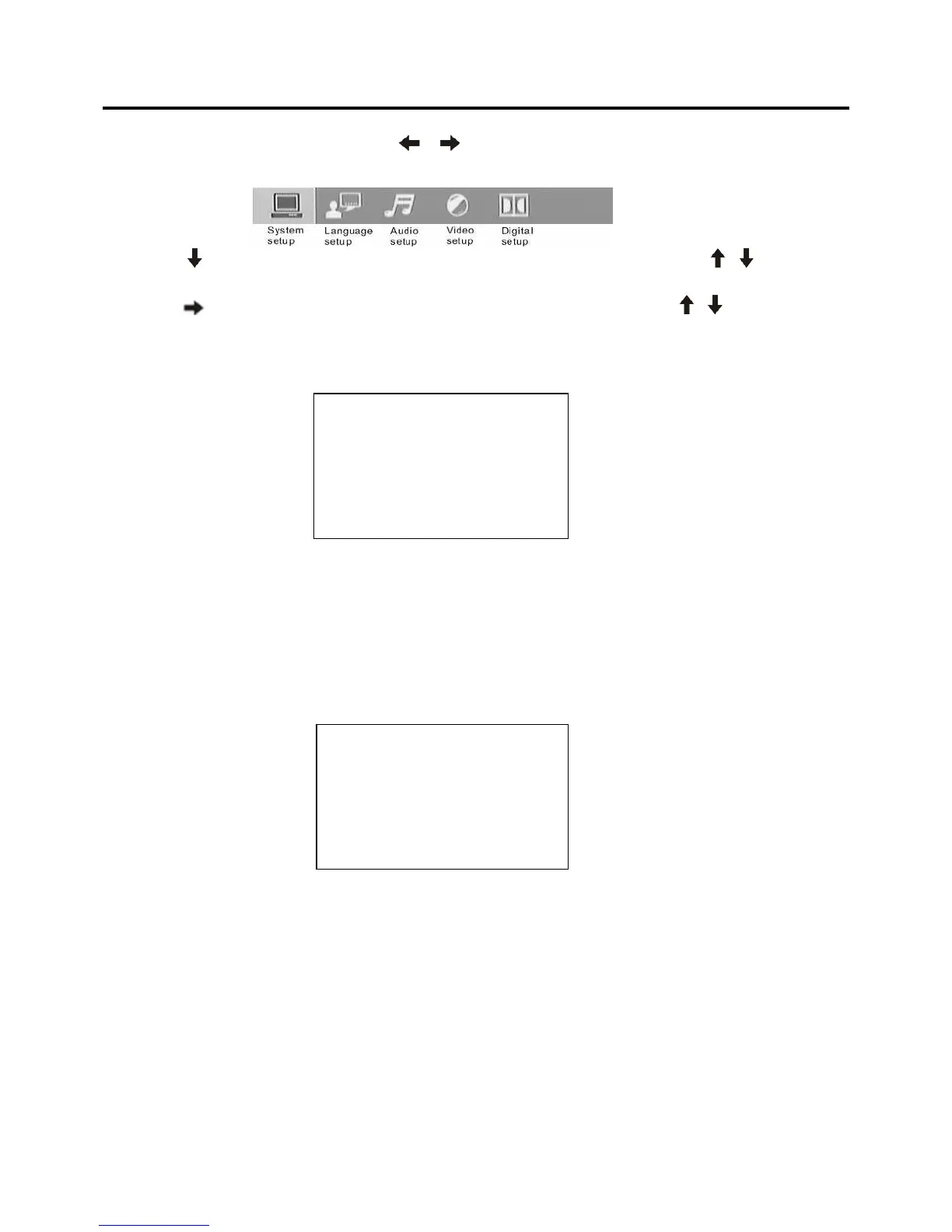
When the cursor is on the topside, use / buttons to move between the different pages, such
as
SYSTEM SETUP, LANGUAGE SETUP, AUDIO SETUP, VIDEO SE
TUP and DIGITAL SETUP.
* Press
button to move the cursor to the setup page below
and then you can use
/ buttons to
move between the different setup options.
* Press
button to display the choice list for each setup
option and then use
/ buttons and
ENTER
button to change your selection.
1) SYSTEM SETUP
When you open the setup menu, you will see the syst
em setup page at first, see below:
* TV SYSTEM: Change the TV SYSTEM among NTSC, PAL a
nd AUTO.
* TV TYPE: Change the TV TYPE among 4:3 PS, 4:3 LB
and 16:9.
* PASSWORD: Change the PASSWORD lock or unlock, the default PASSWORD is “0000”.
* RATING: Change the parental RATING among 1KID SAF
E, 2G, 3PG, 4PG13, 5PG-R, 6R, 7NC-17,
8ADULT.
* DEFAULT: Restore the system setup to the default
setup.
2) LANGUAGE SETUP
When you open the language setup menu, you will see
the language setup page:
You can change the OSD LANGUAGE among: English, Ger
man, Spanish, French, Italian and Polish.
You can change the AUDIO LANGUAGE among: Italian, English, Polish, French, Spanish, Russian,
Latin and German.
You can change the SUBTITLE LANGUAGE among: Italian
, English, Polish, French, Spanish, Russian,
German and OFF.
You can change the MENU LANGUAGE among: Italian, En
glish, Polish, French, Spanish, Russian,
German and Latin.
You can change the DIVX LANGUAGE among: CYRILLIC and WESTERN EU.



 To Next Page