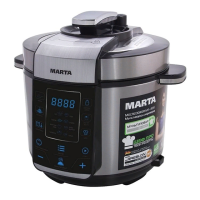
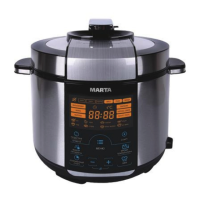
MT-4314
3. Turn the pot a bit to ensure full contact with the surface of the bottom heating element.
4. Place the recipe ingredients inside the pot.
5. Close the lid.
6. Connect the multicooker to the power source. Please always follow above instructions before beginning use.
OPERATION
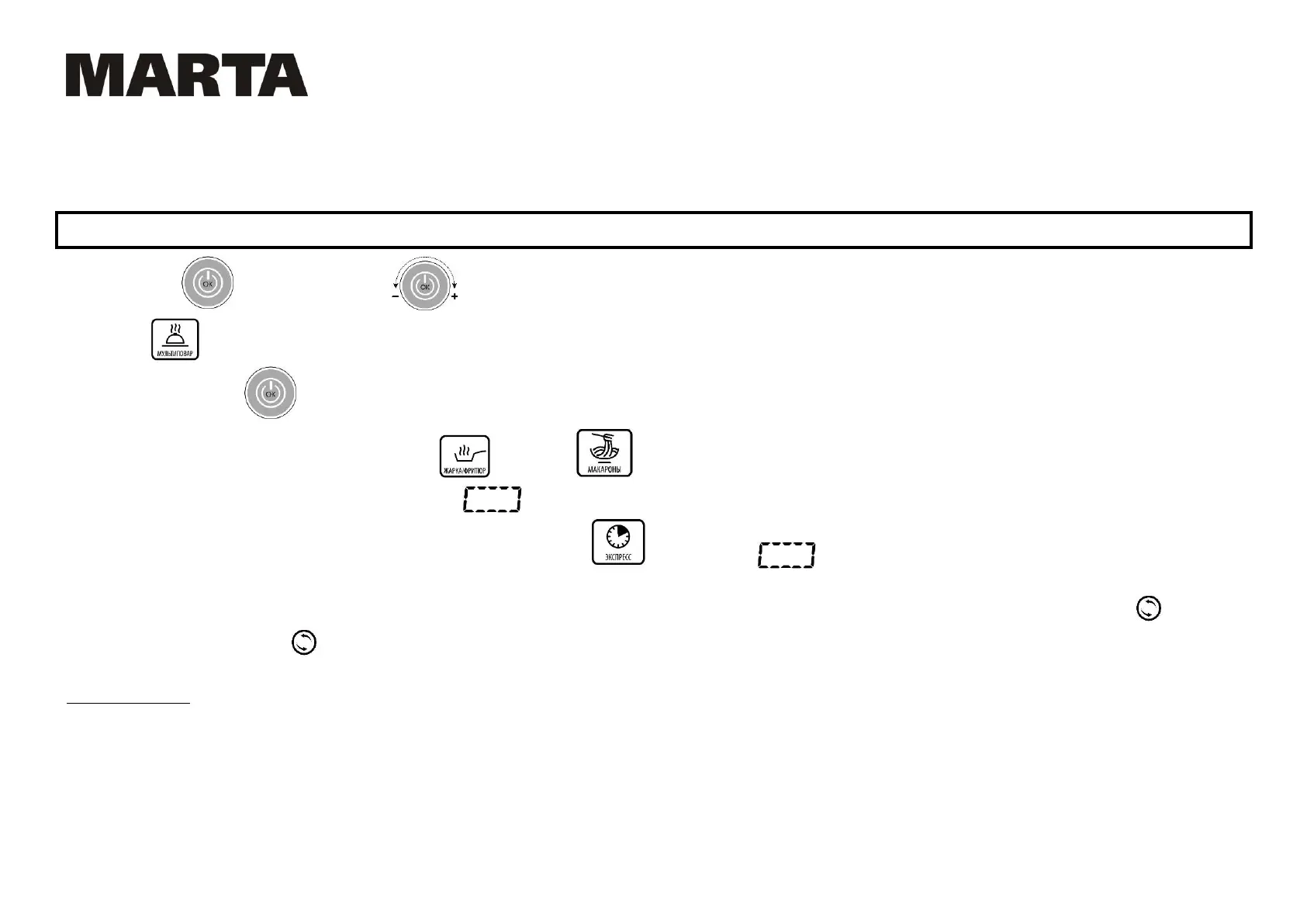
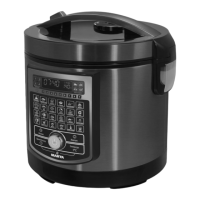
Press the button to start. Turn the knob to choose the programs you need. First, there are four User settings, then the programs SMART and
Multicooker followed by the rest of the autoprograms. When a program is chosen, the display shows its cooking settings.
Press and hold the button for 2 seconds to start a program which starts after a beep and the countdown of cooking time starts.
NOTICE: countdown of cooking time in FRY/DEEP FRY and PASTA ЫЬЙrЬЫ ЯРНЦ ЬРН ЬНХШНrЙЬЭrН rНЙЛРНЫ ЛНrЬЙСЦ ЮЙФЭН ę160°C ОЧr FRБ ЙЦМ 100°C ОЧr ЇASTA).
Until the temperature reaches these values; display shows
.
NOTICE: There is no cooking time countdown during the runtime of EXPRESS
; display shows until the end of the program. This program stops automatically
or when interrupted by the User.
After the end of the program the cooker enters into a Keep warm mode (if Keep warm function is active). When Keep warm is active, the LED-backlight of the
KEEP
WARM is active. Press and hold to turn the Keep warm OFF.
USER SETTINGS
The four User settings are empty cells with minimal values of cooking settings (cooking time 00:00; cooking temperature - 3C). The user can set and save any target
values for preparing customized dishes.


 To Next Page