19.11.2020 lju
Electrical desks
Resetting and troubleshooting
A400-64176_B
4/6
L
R
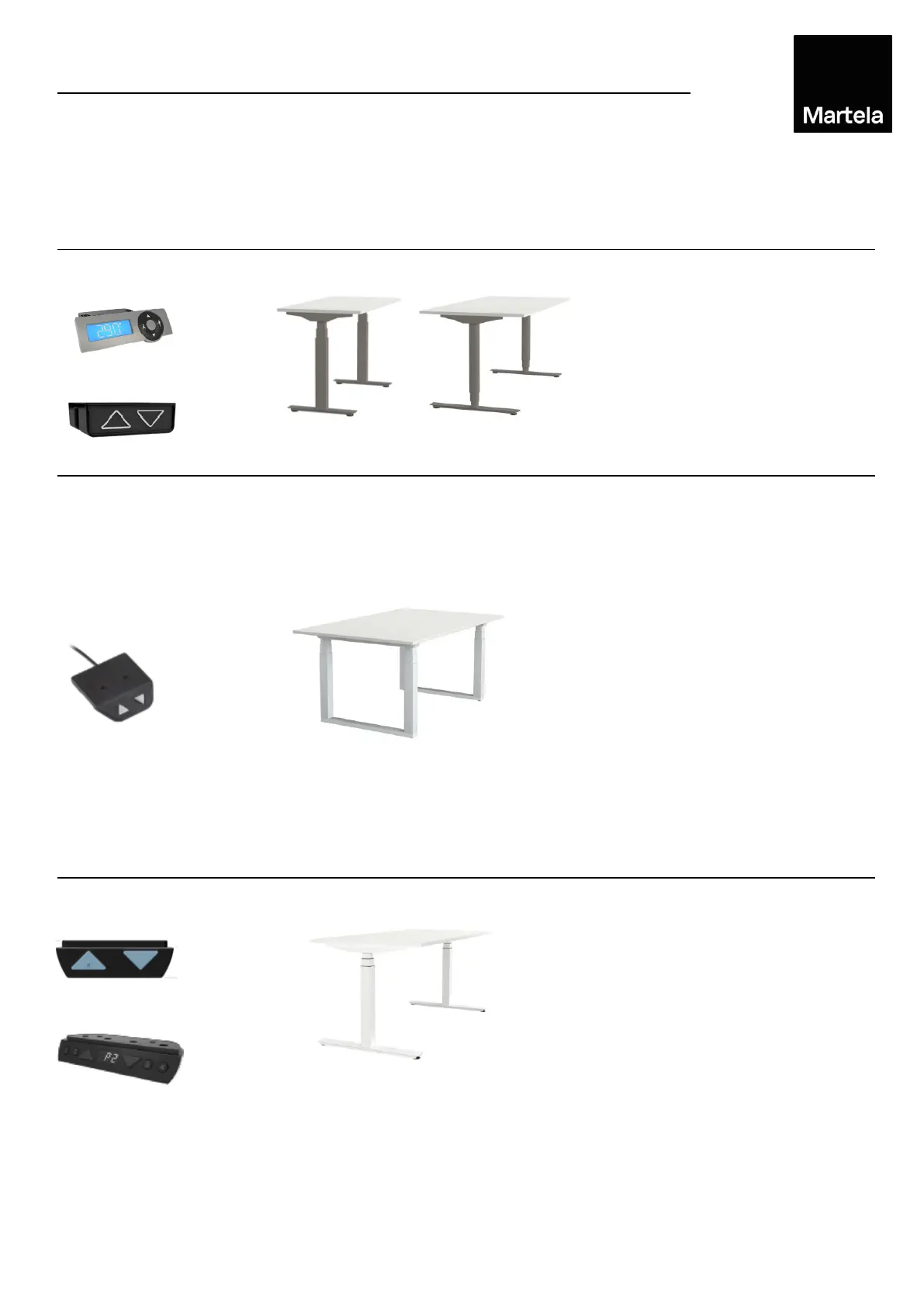
Frankie E
Alku S/S square
Simultaneously pressing the UP and
DOWN buttons for minimum of 8
seconds.
Press and hold the DOWN button
and the table will slowly move to the
lowest point possible.
The table/stand is ready to use
normally.
Initialise the desk by pressing and
holding the DOWN button until the
desk reaches its lowest position and
then moves slightly upwards (5mm).
Now the desk is ready to use and the
control box has registered the height
settings. The settings will remain if
main power is disconnected.
Important: If any of the actuators is
replaced the main power must be
disconnected when actuator
cable is disconnected. Otherwise the
control box cannot be initialised and
the actuators may be damaged if the
desk is being used.
Simultaneously pressing the up and
down buttons for minimum of 5
seconds.
Hold the UP and DOWN buttons and
the table will slowly move to the
lowest point possible.
The table/stand is ready to use
normally.
Control
system
Hand control Desk type
Resetting the desk should be done prior to first use or in case of malfunction. Use the pictures
below to determine the type of desk (control switch/base type). Follow the instructions to reset. If
the first reset does not work,
repeat the reset calmly, 1-2 times
. Remove all items on the desk
before resetting. If one of the columns is not moving, it may cause the desk to tilt during the reset.
If the desk does not work properly, see page 6/6 for further instructions.
Resetting
Alku S/S round tube
100633
7
1006338
A
Pinta EQ
From year 2014→
1010171
1010163
1010164


 To Next Page
 Loading...