10
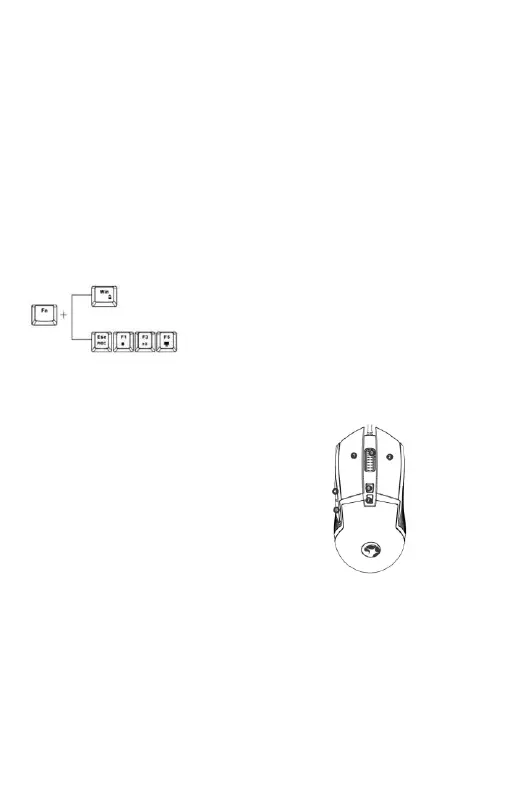
Press Fn+1 to choose CM1-slot then press FN+ESC to start
backlight recording. Then choose the keys you want have lit.
Press FN+ESC again to stop and save your recording. All the
custom slots (CM1-CM3) operate in the same way.
While in recording mode any other keyboard function will
not word at this time.
Caps Lock, Scroll Lock, Num Lock and WIN-keys are not
recordable.
Other Functions
Mouse Use
Troubleshooting
In case of incorrect operation follow the steps below:
• Check the integrity of the connectors.
• Check the connection to the computer.
Reset. Press for 5 seconds. The backlight will flash 3
times and the keyboard will be restored to default
settings.


 To Next Page