6
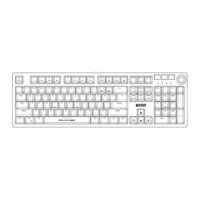
Multimedia and office functions
FN + F1 : open media player
FN + F2 : decrease audio volume
FN + F3 : increase audio volume
FN + F4 : mute
FN + F5 : stop media file playback
FN + F6 : previous track
FN + F7 : play / pause
FN + F8 : next track
FN + F9 : open the e-mail client
FN + F10 : open the Internet browser
FN + F11 : Keyboard lock
FN + F12 : open the Calculator
FN + Win : enable / disable the Windows key
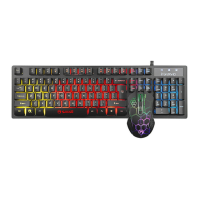
Backlight control functions
Press the key to change the backlight
FN + PAGEUP : increase brightness
FN + PAGEDOWN : decrease brightness
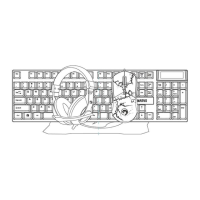
Mouse
Press the button below the scroll wheel to change the
sensitivity according to predefined DPI steps.


 To Next Page