5
Safety Notes
• Please do not take apart or exchange any component,
except there are especially marked operations in User
Manual.
• Please do not put the product into water or any other
liquid, for this product is not waterproof.
• Please disconnect the product with other device and
remove it if any liquid splashes into it, for it may cause
fire or electric shock if the users continue to use it.
• Please make sure that the hands are dry when installing
or taking apart the product in order to avoid getting an
electric shock.
• Please do not expose the product close to heat source
or the fire directly.
• Please do not put the product into a great magnetic
field, for it may cause dysfunctions.
Installation
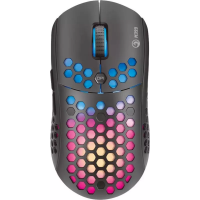
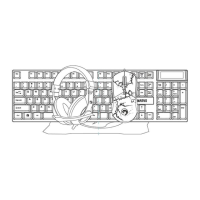
1. Remove the keyboard and mouse insert it to the
computer USB PORT.
2. Check whether the PC can recognize the keyboard and
mouse correctly.
3. Operate according to User Manual.
4. Please do not use the product in an extreme environment.
Use
Keyboard
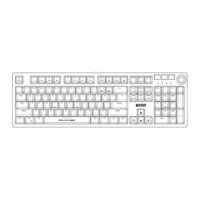
Configuring the keyboard and using the special functions is
done by using the various key combinations detailed below.


 To Next Page