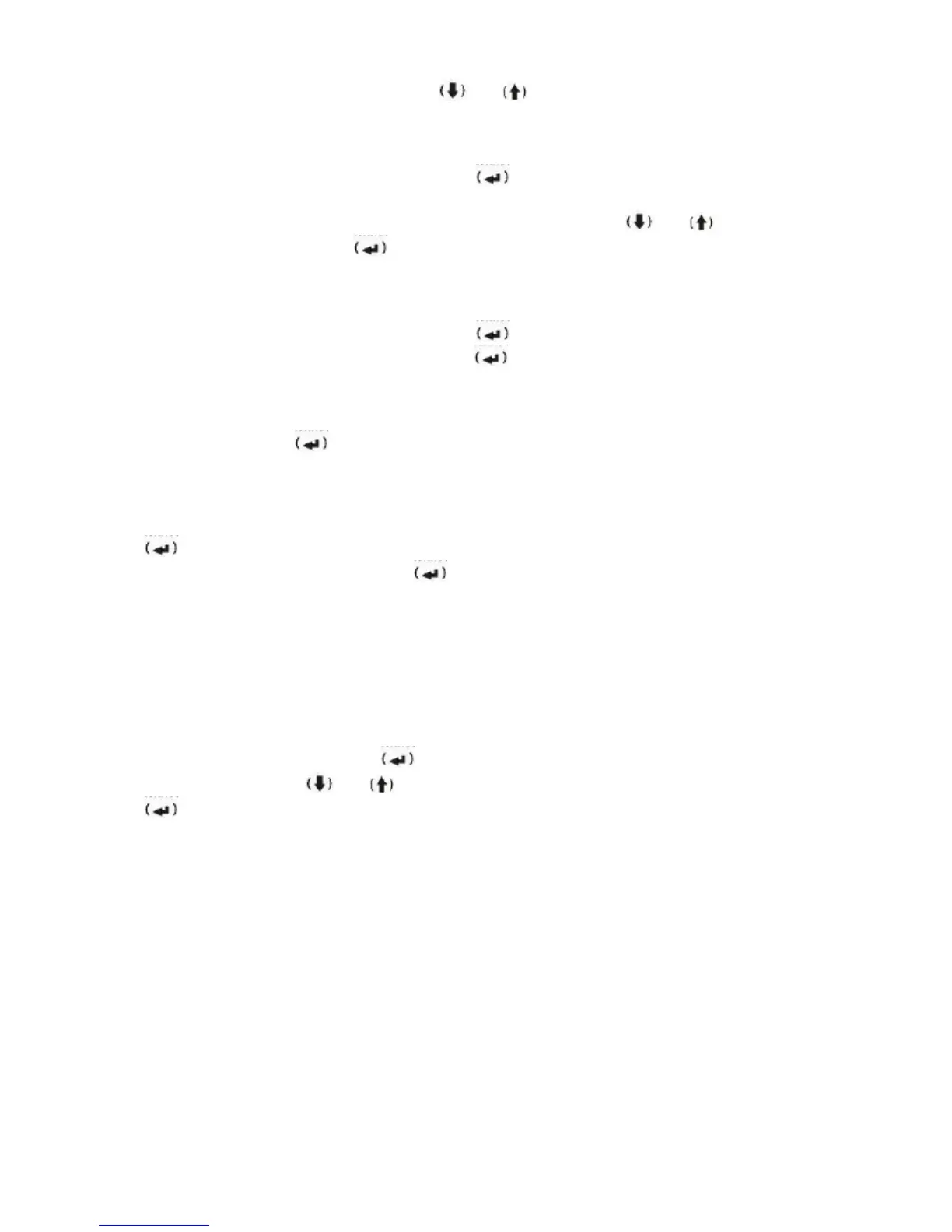
number.All entries can be searched using and . The maximum list of last entires
stored is 64..
1.5.7 Change Door Opening Time
Enter User Settings Menu (Refer to 1.5). Press button on the menu : Change Door
Opening Time. “Enter the door opening time” will be visible on the panel screen together
with default door opening time of 1 sec. Adjust the timing using the and to adjust
between 1 to 8 sec than press button. “Saving” will be visible at the panel screen and the
new time is set.
1.5.8 IDENTIFY CARDS (Optional, if card Access is available)
Enter User Settings Menu (Refer to 1.5). Press button on the menu: IDENTIFY CARDS
. Enter the number of the apartment then press button. The card capacity of this
apartment then “APPROACH NEW RFID CARD” will be displayed on the screen. As soon
as you approach the card, “CARD RECORDED” will be displayed. Immediately after, you
will be asked “ANY NEW CARD (Y/N) ?”. If you want to identify another card for the same
apartment, pres YES ; if not, press NO (C) button. The panel will switch to standby
mode. You can identify maximum 9 RFID cards for each apartment.
1.5.9 Delete cards
Enter User Settings Menu (Refer to 1.5). While you are in 9. “DELETE CARDS” menu, pres
. “USER APT. NO.” Will be displayed on the screen. Enter the number of the partment
whose card is to be deleted then press . You will see “CARDS DELETED”. All RFID
cards which were identified for this apartment have been deleted.
1.6 SYSTEM SETTING MENU
***Attention***
This menu can affect all operations of the intercom system. It is kindly requested that only
authorized service personel perform the settings.
To enter the menu, push (0) button while the panel is on standby mode than push & hold (C)
button for 5 seconds. “Enter the system setting pin” will be visible at the panel screen. Enter
the 4 digit pin in 15 sec and push button.The below menu will be visible once the correct
pin is entered. Use the and to scroll up and down to go to the menu item and press
button.
(1) "Change number of apartments”.
(2) "Define first Apartment number”
(3) "Define guard number”
(4) "Set language”
(5) "Assign block number”
(6) "Change EFES System Settings”
(7) "Change Apartment Program”
(8) "Change System Setting PIN”
(9) “Extra camera” menu
(10) Back to factory settings
(11) Delete all names
(12) Delete cards (optional)


 To Next Page
 Loading...