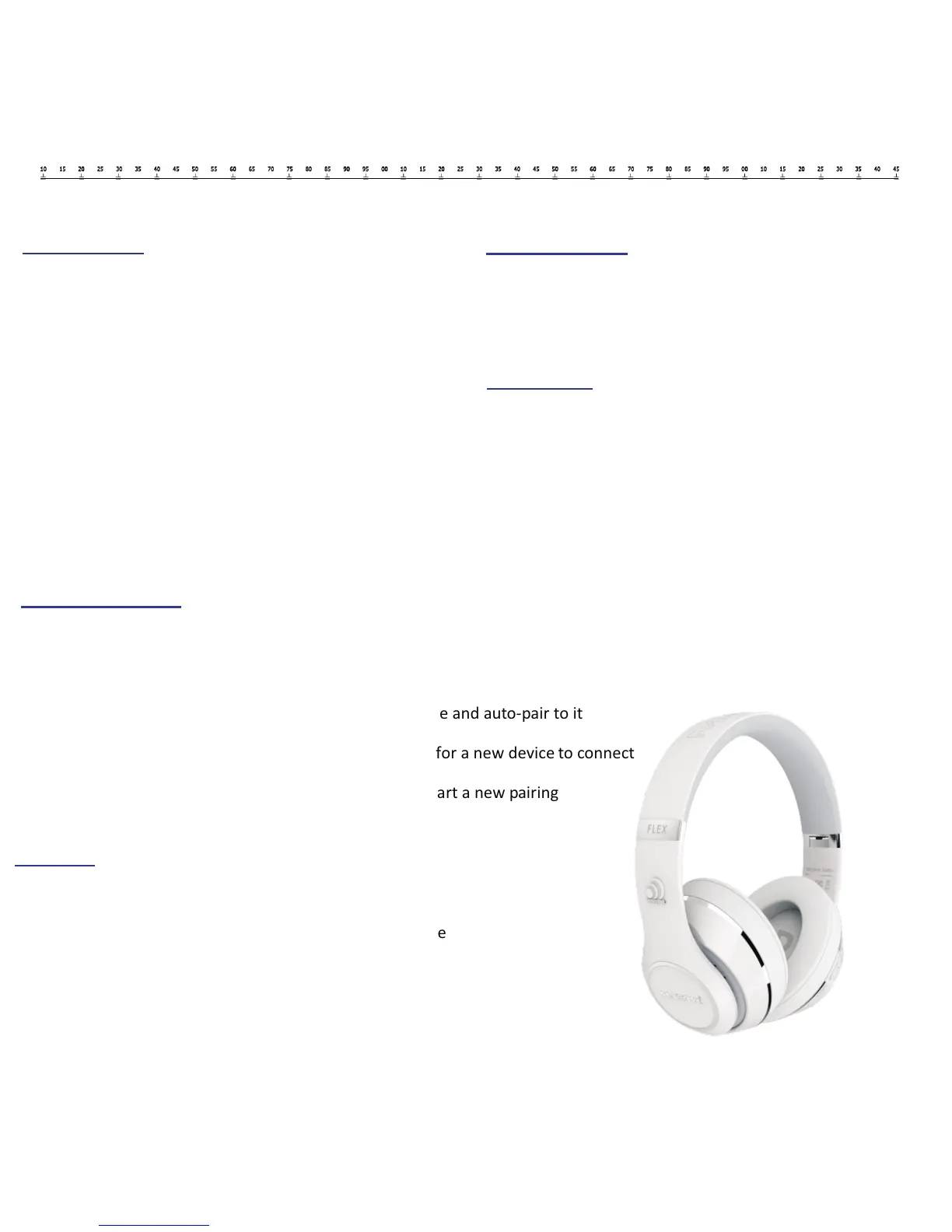
Bluetooth Pairing
MTBTH name is “TYPE 40 HEADPHONE”
MTWBTH name is ”DW HEADPHONE”
Turn on headphones, it will search for the last paired device and auto-pair to it
If no device can be auto-paired, the headphones will wait for a new device to connect
To force pair or un-pair hold the button for 3 seconds to start a new pairing
LED Indicator
Flashes blue = Looking for Bluetooth connection
Blue LED stays lit = Paired to device
Blue LED stays lit = Auxiliary connection
Blue LED stays lit = MIC & Speakers via USB active
Flashes red = Low Battery
Red LED stays lit = Unit is charging
Green LED stays lit = Unit is fully charged
Charging
We recommend turning off Headphones before charging
Connect headphones and power source via Micro-USB cable
The LED will be red while charging
The LED will be green when charging is completed
Auto Power Off
When no Bluetooth connection within 5 minutes
When the battery is too low
Accessories
Bluetooth headphone 1pcs
USB charging cable 0.8M 1pcs
AUX IN cable 1.3M 1pcs
User`s manual 1pcs
Warranty card 1pcs
Cloth bag 1pcs


 To Next Page