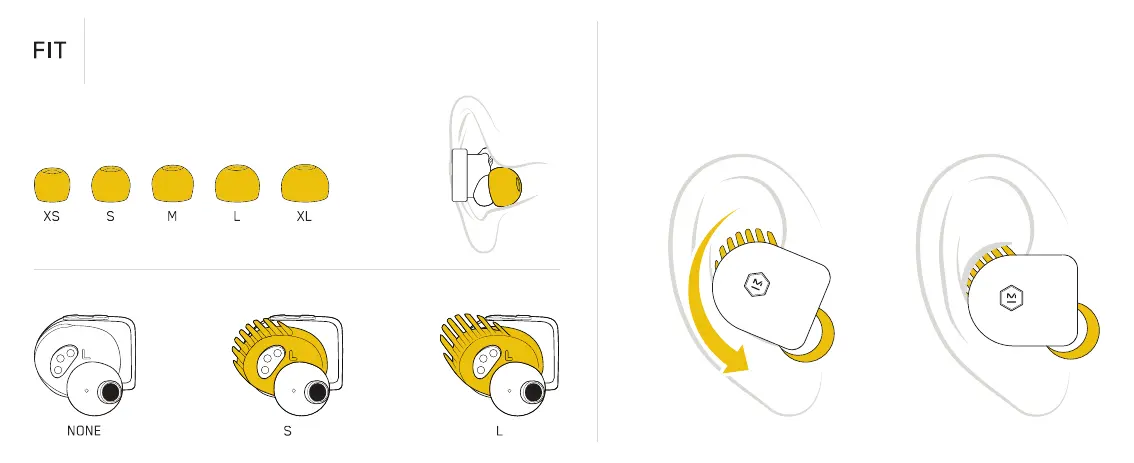
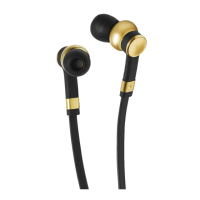
To insert your earphones follow these steps:
Tilt the earphone forward
with the ear tip resting
lightly in your ear canal.
Rotate the earphone down until
the ear tip forms a seal with
your ear canal and the fit wing
slips under your ear ridge.
Right
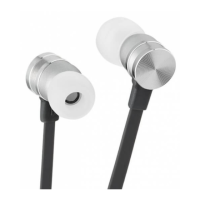
Your earphones come with small fit wings and medium ear tips attached.
For a more secure fit, choose the ear tips that form a seal with your ear
canal, and the fit wings that comfortably fit under your ear ridge. To
remove or attach the fit wings you must first remove the ear tips.
FIT WING OPTIONS
EAR TIP OPTIONS






 To Next Page