Page 8
8. GROUNDING AND AC POWER CORD CONNECTIONS
8.1
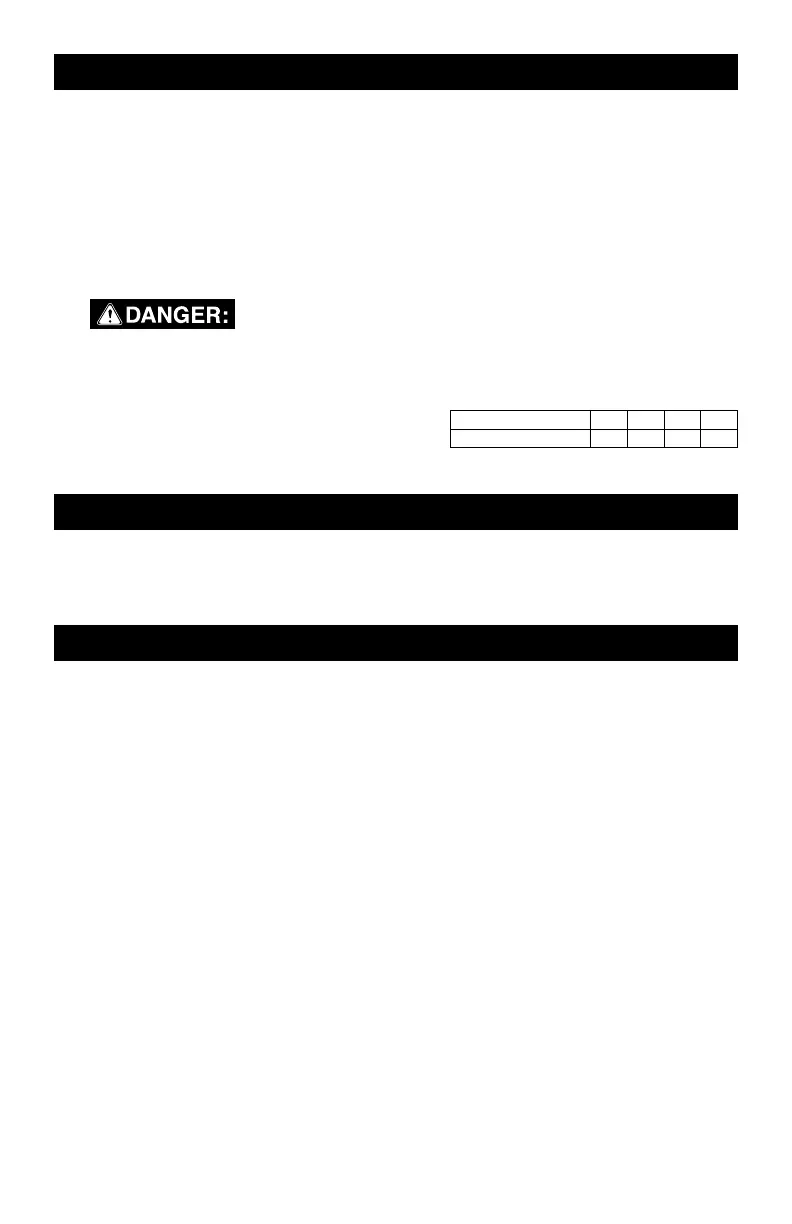
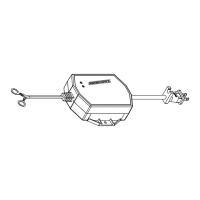
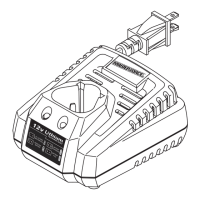
This battery charger is for use on a
nominal 120 volt circuit and has a
grounded plug. The charger must be
grounded, to reduce the risk of electric
shock. The plug must be plugged into
an outlet that is properly installed and
grounded in accordance with all local
codes and ordinances. The plug pins
must fit the receptacle (outlet). Do not
use with an ungrounded system.
8.2
Never alter the AC
cord or plug provided – if it does not
fit the outlet, have a proper grounded
outlet installed by a qualified elec-
trician. An improper connection can
result in a risk of an electric shock or
electrocution.
8.3
USING AN EXTENSION CORD
The use of an extension cord is not
recommended. If you must use an
extension cord, follow these guide-
lines:
• Pins on plug of extension cord must
be the same number, size, and
shape as those of plug on charger.
• Ensure that the extension cord is
properly wired and in good electri-
cal condition.
• Wire size must be large enough for
the AC ampere rating of charger,
as specified:
Length of cord (feet) 25 50 100 150
AWG* size of cord 18 18 16 14
*AWG-American Wire Gauge
9. ASSEMBLY INSTRUCTIONS
9.1
Remove all cord wraps and uncoil
the cables prior to using the battery
charger.
10. CONTROL PANEL
DIGITAL DISPLAY
The digital display indicates the status of
the battery and charger. See the Display
Messages section for a complete list of
messages.
NOTE: During charging, the display will
go into sleep mode and will not display
any messages. To turn the display back
on, press the battery type button.
BATTERY TYPE BUTTON
Press button once to select lead-acid;
twice for a lithium ion battery.
LED INDICATOR
GREEN LED solid (CHARGING):
The charger is charging the battery.
GREEN LED pulsing
(CHARGED/MAINTAINING): The battery
is fully charged and the charger is in
maintain mode.
GREEN LED flashing: The charge has
aborted (see Aborted Charge section).


 To Next Page