EasyManua.ls Logo

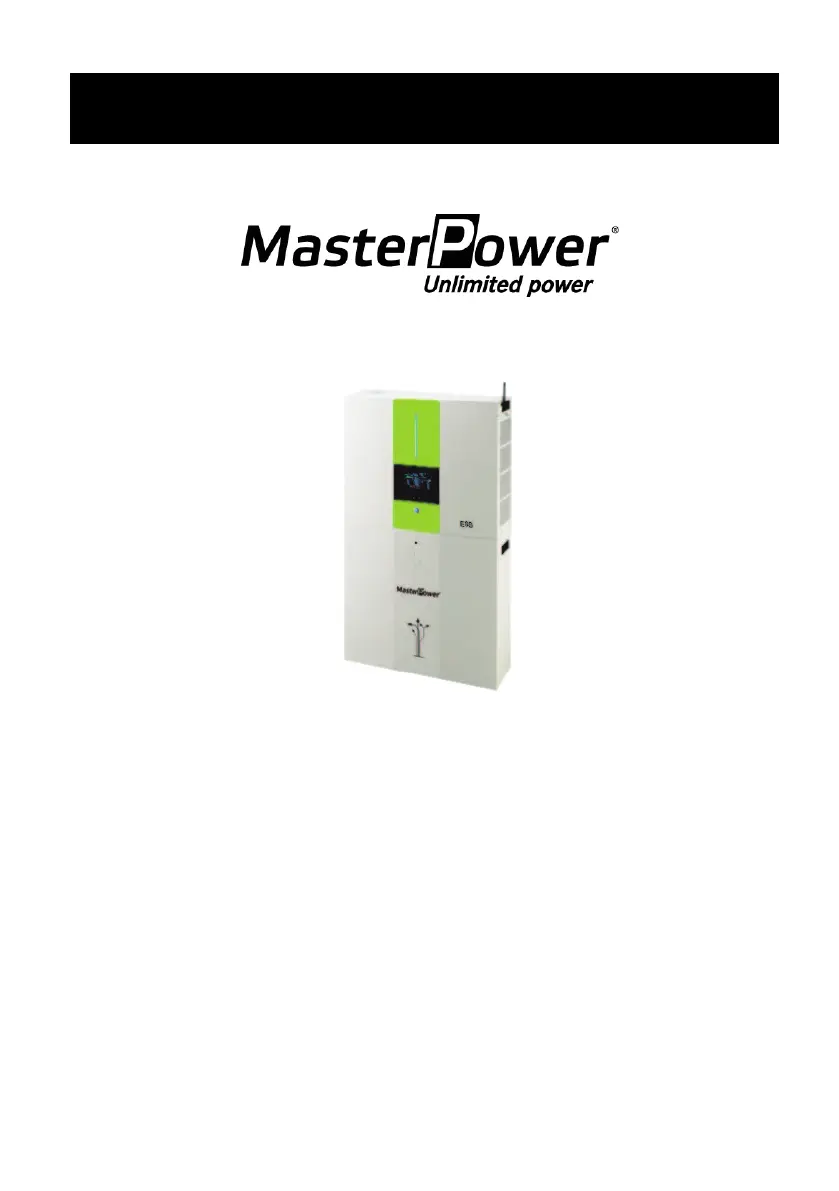
Master Power Omega ESS 5.5KW - User Manual

Default Icon
73 pages
Print Icon
To Next Page IconTo Next Page
Loading...
Omega ESS
Energy Storage System
Version: 1.0
User Manual

Questions and Answers

  • W
    walkerkristinaSep 9, 2025
    What to do if Master Power Omega ESS 5.5KW input and output wires are reversed?
    • T
      Tracey WalkerSep 9, 2025
      If your Master Power Inverter displays reverse connection of input and output wires, shut down the inverter completely. Check if the grid wires are connected to the AC output terminals. If they are mis-connected, re-connect them correctly, and then turn on the inverter again.
  • J
    jcarterAug 23, 2025
    What to do if Master Power Omega ESS 5.5KW output is short circuited?
    • C
      Claudia GreenAug 23, 2025
      If your Master Power Inverter indicates a short circuit on the output, turn off the inverter. Disconnect the AC circuit breaker first, then the DC circuit breaker, and finally the loads. Check the load circuit to ensure it is working correctly. After resolving the short circuit, turn on the PV DC breaker and battery breaker, then turn on the inverter.
  • R
    Rebekah CrawfordAug 25, 2025
    What to do if Master Power Inverter displays over temperature fault?
    • B
      brownannAug 25, 2025
      If your Master Power Inverter shows an over temperature fault, it means the internal temperature is higher than specified. Leave the inverter to cool down to room temperature.
  • L
    Lee LewisAug 26, 2025
    What to do if Master Power Omega ESS 5.5KW indicates battery disconnected?
    • F
      Frank WilliamsAug 27, 2025
      If your Master Power Inverter displays a 'Battery Disconnected' error, check if the battery cable is firmly connected.
  • K
    kjonesAug 27, 2025
    What to do if Master Power Omega ESS 5.5KW Inverter displays leakage current exceeds the allowable range?
    • J
      Jennifer MeyerAug 28, 2025
      If your Master Power Inverter displays that the leakage current exceeds the allowable range, it may be because the ground voltage is too high. Disconnect the AC breaker first, and then the DC breaker. After the LCD screen completely shuts down, check if the grounding is properly connected. If grounding is correctly connected, turn on the DC breaker. After it displays “No Utility” on the LCD screen, turn on the AC breaker. After 300 seconds, the system will automatically connect to the grid.
  • J
    John ScottAug 29, 2025
    What to do if Master Power Omega ESS 5.5KW displays DC bus voltage exceeds the upper threshold?
    • R
      Rebecca PetersenAug 29, 2025
      To resolve the issue of DC bus voltage exceeding the upper threshold on your Master Power Inverter, disconnect the AC circuit breaker first, then disconnect the DC circuit breaker. Wait until the LCD screen completely shuts down, then turn on the DC breaker first, the LCD screen will show “No Utility”. Then, turn on the AC breaker. After 300 seconds, the system will automatically connect to the grid.
  • J
    Jacqueline CooperSep 18, 2025
    What to do if Master Power Omega ESS 5.5KW Inverter indicates over temperature?
    • H
      hayesmelissaSep 18, 2025
      If your Master Power Inverter indicates over temperature: * Check the ventilation around the unit. * Try to reduce connected load. * Check if fans run normally.
  • B
    bethlaneSep 22, 2025
    What to do if Master Power Omega ESS 5.5KW Inverter communication is lost between inverter and display panel?
    • G
      Glenn MathisSep 22, 2025
      If communication is lost between your Master Power Inverter and the display panel, restart the unit again.
  • J
    Jason CohenSep 8, 2025
    What to do if Master Power Omega ESS 5.5KW displays version mismatch between controller board and power board?
    • C
      Courtney CantrellSep 8, 2025
      If your Master Power Inverter displays a version mismatch between the controller board and power board, shut down the inverter completely and then restart it to see if the error clears.
  • J
    Jane RamirezSep 4, 2025
    What to do if Master Power Omega ESS 5.5KW Inverter displays OP Current Sensor fault?
    • B
      Brandon MartinSep 4, 2025
      If your Master Power Inverter displays an OP Current Sensor fault, shut down the inverter completely and then restart it to see if the error clears.

Summary

Introduction

Important Safety Warning

Details crucial safety precautions to prevent injury and equipment damage.

Unpacking & Overview

Packing List

Lists all items included in the inverter and battery module packages.

Product Overview

Illustrates and labels the key components and ports of the inverter and battery modules.

Installation

Selecting Mounting Location

Provides guidelines for choosing an appropriate and safe mounting location for the system.

Mounting The System

Details the procedures for physically mounting the inverter and battery modules.

Wiring Connection

Grid Connection

Describes the process of connecting the system to the AC utility grid.

PV Module (DC) Connection

Details how to connect the photovoltaic (PV) modules to the inverter.

Battery Connection

Outlines the steps for connecting the battery modules to the system.

Load (AC Output) Connection

Explains how to connect loads to the inverter's AC output.

Communication

Communication Connection

Explains how to establish communication via USB, RS232, or intelligent slots.

Dry Contact Connection

Describes the functionality and connection of the dry contact port for external control.

Commissioning

Initial Setup by using monitoring software

Operation

Operation and Display Panel

Describes the front panel components, indicators, and display for system status.

LCD Display Icons

Explains the meaning of various icons shown on the LCD display.

LCD Setting

Details how to navigate and change settings using the LCD interface.

Select Displays

Explains how to select and view different information on the LCD display.

Maintenance & Cleaning

Battery Maintenance

Covers specific precautions and procedures for maintaining the battery modules.

Trouble Shooting

Fault code reference

Lists fault codes and their corresponding solutions for diagnosing system errors.

Warning Reference Codes

Provides reference for warning codes and their meanings for system alerts.

Specifications

Appendix I: The Wi-Fi Operation Guide

SolarPower App Installation

Guides users through downloading and installing the SolarPower mobile application.

SolarPower APP Operation

Explains how to use the SolarPower app for monitoring and managing the system.

Master Power Omega ESS 5.5KW Specifications

General IconGeneral
Rated Power5.5KW
Power Output5500W
Battery Voltage48V
Input Voltage230V AC
Output Voltage230V AC
Frequency50Hz/60Hz
CoolingFan cooling
ProtectionOverload, short circuit, over temperature
Humidity5% to 95% (Non-Condensing)

Related product manuals