1. Press the RADIO/BT button to the Bluetooth mode, you will hear an activation sound
from the unit.
2. Turn on the Bluetooth feature of your audio device, search for “MTFUSE1” and pair.
3. Once your device is successfully paired with the unit, you will hear a short confirmation
sound from the unit.
4. Play music from your device to the unit.
5. Rotate the VOLUME control to the desired level.
Note: Bluetooth version - 4.1
Aux Input Connection
You can connect an audio device to this unit and play your music through its speakers. To
do this, connect the 3.5mm auxiliary cable between your audio device and the Aux In jack
of this unit and start playing the music.
Note: The aux in connection has the highest priority of all the functions. When there is an
auxiliary cable plugged in, the aux in connection will automatically override the AM/FM or
Bluetooth mode. To resume using the other features of the unit, unplugged the auxiliary
cable from the aux in jack.
SPECIFICATIONS:
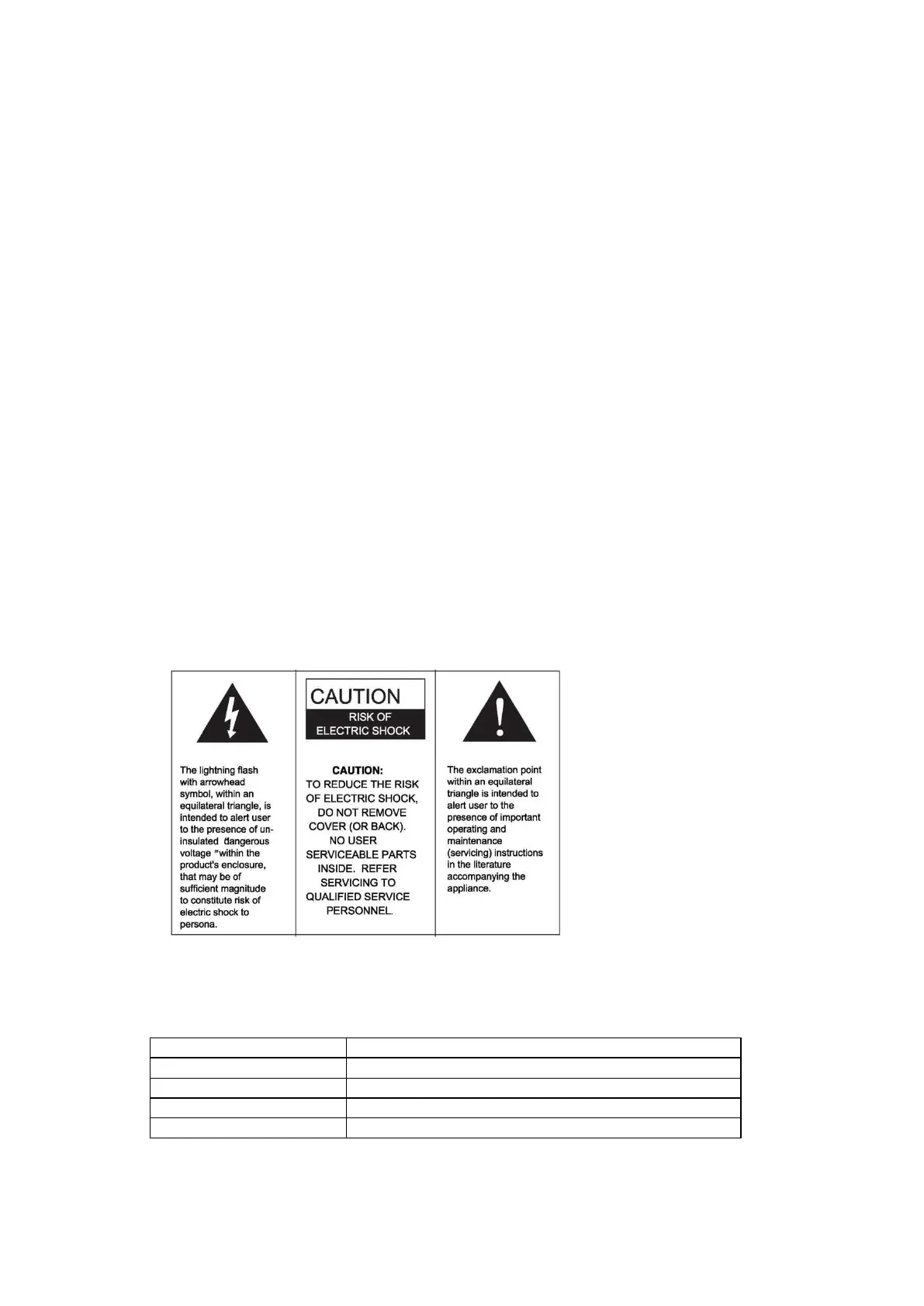
WARNING:
TO PREVENT FIRE OR SHOCK HAZARD, DO NOT EXPOSE THIS APPLIANCE
TO RAIN OR MOISTURE. DO NOT REMOVE COVER. PILOT LAMPS
SOLDERED IN PLACE. NO USER SERVICEABLE PARTS INSIDE. REFER
SERVICING TO QUALIFIED SERVICE PERSONNEL.


 To Previous Page