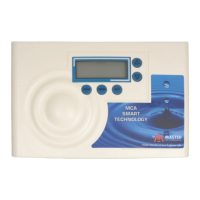
Filling Anion unit with Water:
1. Connect the MP-MCA control valve transformer into the electrical
outlet provided.
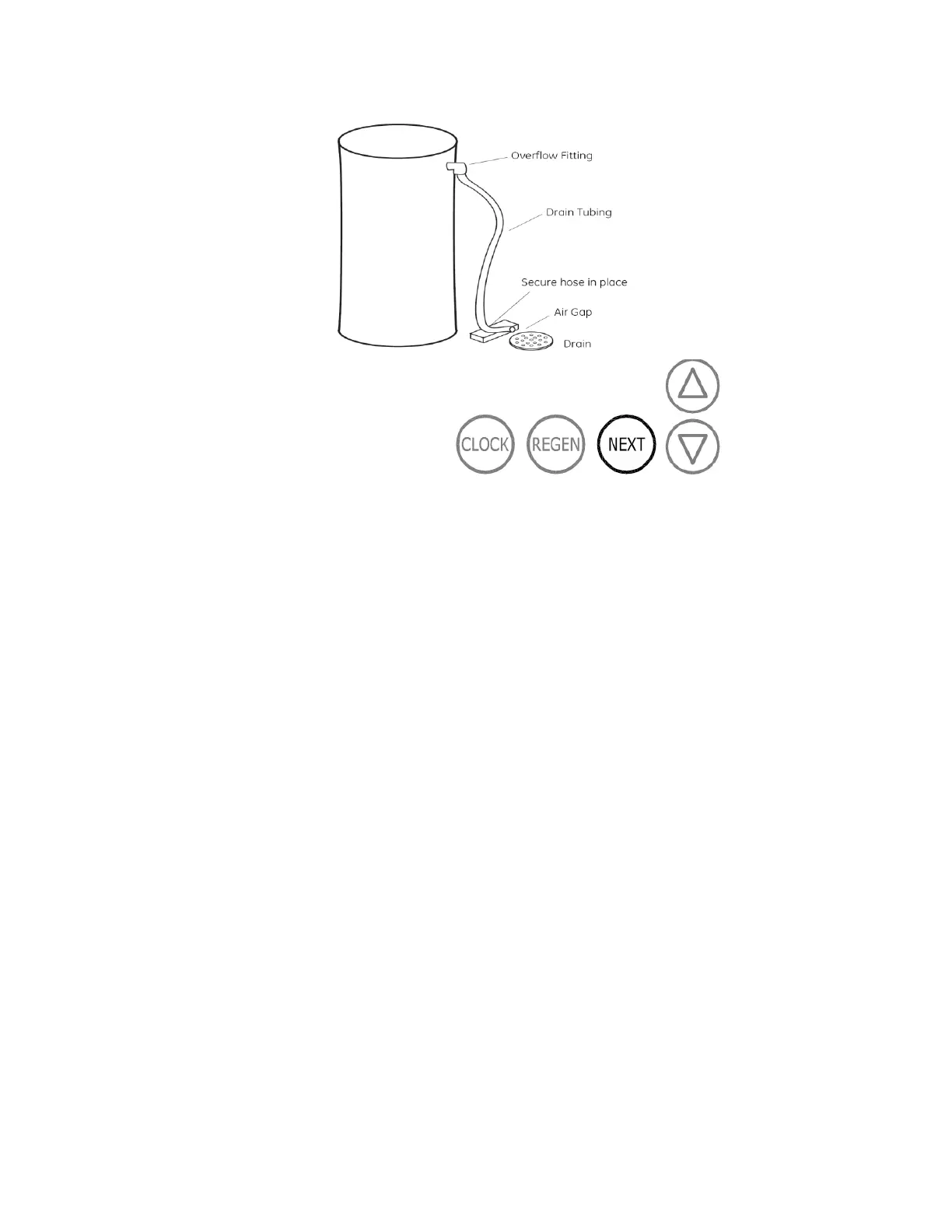
2. Press and hold the REGEN button until the drive motor starts.
When the drive motor stops, the display will read “BACKWASH”
position.
3. Open the inlet ball valve a ¼ turn of its full open position to allow
water to enter the Anion unit mineral tank slowly. The water is
going to enter the tank from the bottom of the distributor pipe and
leave the tank from the top. This will slowly purge all the air from
the tank.
IF WATER ENTERS THE TANK TOO FAST, ALL THE CATION
RESIN WILL BE FLUSHED TO DRAIN DURING START UP.
4. When only water is running to the drain, open the inlet and outlet
ball valves fully.
5. Press the REGEN again until the drive motor starts. When the
drive motor stops, the display will read “BRINE” position.
6. Press and hold the REGEN button until the drive motor starts.
When the drive motor stops, the display will read “RINSE” position.
The fast rinse position will rinse the combination unit tank.
7. The control valve will automatically advance to the brine refill
position where the brine tank will fill with the proper amount of
water. The display will read “FILL”.



 To Next Page