M A S T E R C R A F T P R O S T A R
Page 9-20 2014 MasterCraft Owners Manual • ProStar Supplement
Settings Menu
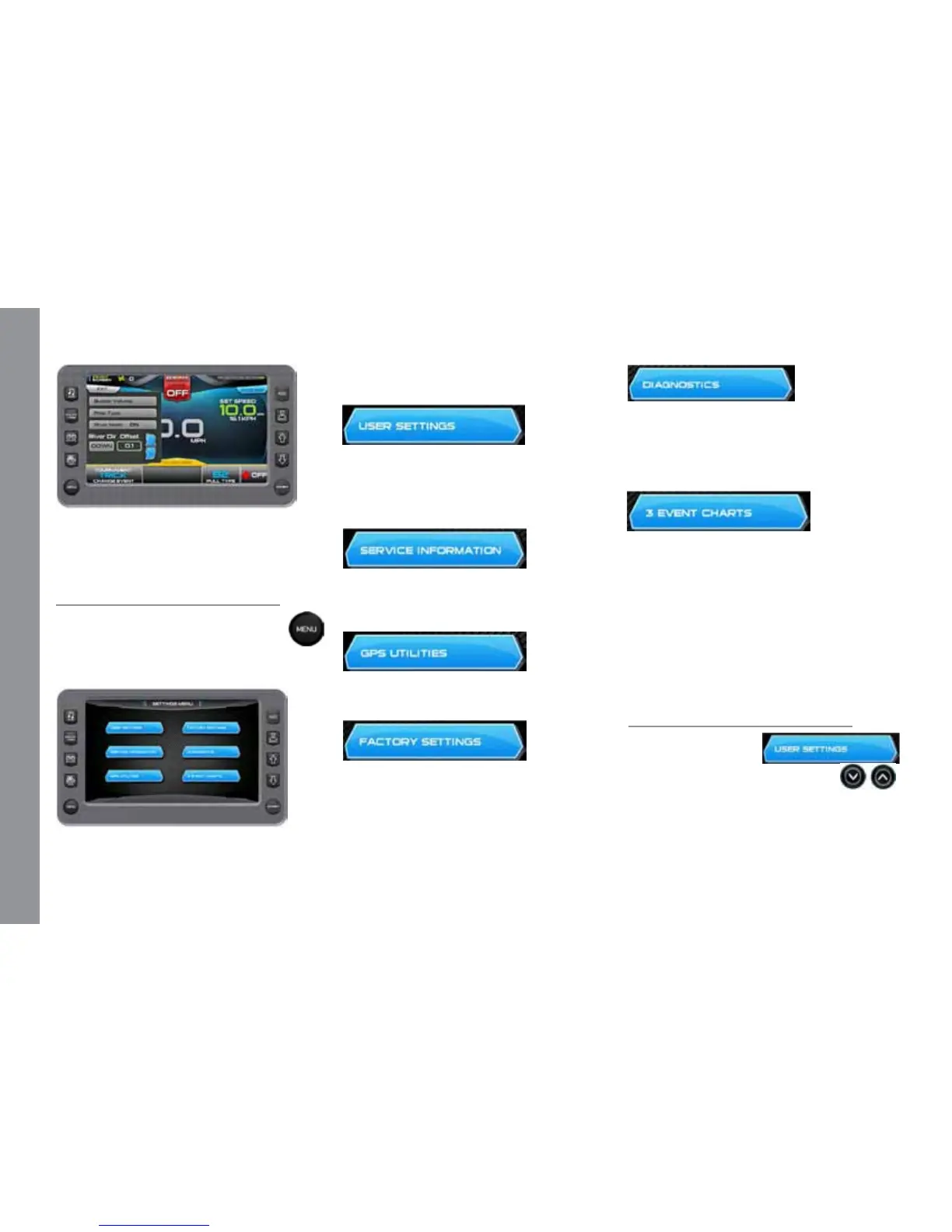
e Settings Menu screen can be
accessed by pressing the Quick Ac-
cess Key. e following settings are
available:
Touch Commands
Description
User Settings – Allows you to custom-
ize the display options for ambient light and
brightness, set US or metric units Tab, Bal-
last, and other settings.
Service Information – Provides infor-
mation about the soware version, dealer,
oil changes and dealer services.
GPS Utilities – Displays Satellite Status
and Time and Position Setup options.
Factory Settings – Displays boat model,
center tab, surf tabs and depth transducer.
A dealer code is required to access.
Diagnostics – Displays Engine, PDM,
and 3 Event Diagnostics including a list
of fault codes and descriptions; on some
screens, corrective action will be shown.
3-Event Charts – Displays reference ta-
bles of the Slalom Timing Tolerances and
Jump Timing Tolerances.
IMPORTANT: Use the 3-Event Charts
for reference only. e charts will not re-
ect any changes, should a change occur in
the rule book. We suggest periodically veri-
fying the charts with the current rule book.
User Settings
On the Settings Menu,
touch the User Settings
touch command to
access the rst of two user settings
screens. Touch the eld following the op-
tion to change the setting. When arrows are
available, touch the option to highlight it
and touch the arrows to change the setting.


 To Next Page