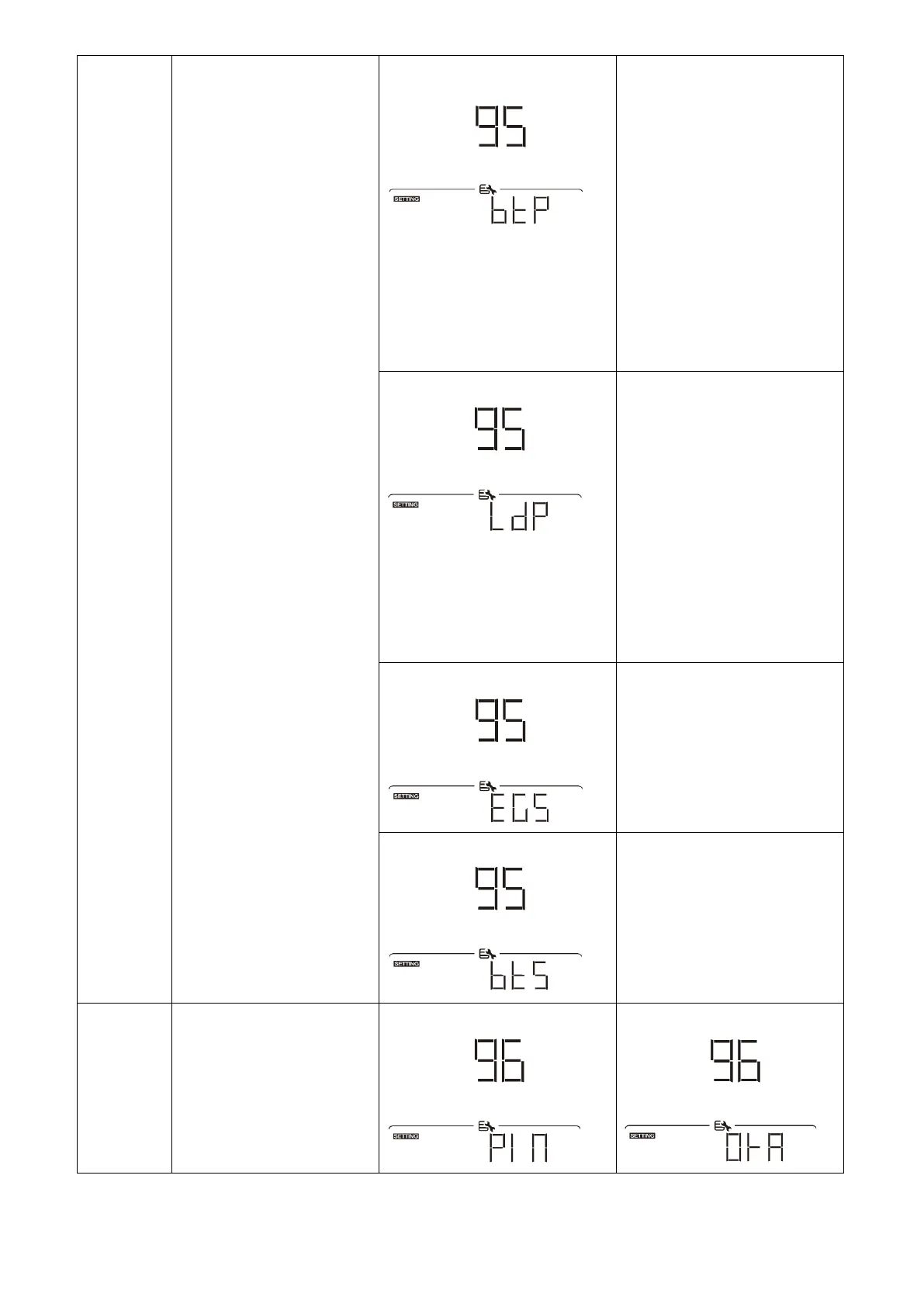
Battery capacity percentage
(Default)
LED lighting portion will be
changed by battery capacity
percentage.
If “Solid on” is selected in
#94, LED ring will light up
with background color setting
in #96.
If “Power wheel” is selected in
#94, LED ring will light up in 4
levels.
If “cycling” or “chasing” is
selected in #94, LED ring will
light up in 12 levels.
LED lighting portion will be
changed by load percentage.
If “Solid on” is selected in
#94, LED ring will light up
with background color setting
in #96.
If “Power wheel” is selected in
#94, LED ring will light up in 4
levels.
If “cycling” or “chasing” is
selected in #94, LED ring will
light up in 12 levels.
Energy source (Grid-PV-Battery)
If selected, the LED color will
be background color setting in
#40 in AC mode. If PV power
is active, the LED color will be
data color setting in #41. If
the remaining status, the LED
color will be set in #42.
Battery charge/discharge status
If selected, the LED color will
be background color setting in
#40 in battery charging
status. The LED color will be
data color setting in #41 in
battery discharging status.
Background color of RGB
LED


 To Next Page