3
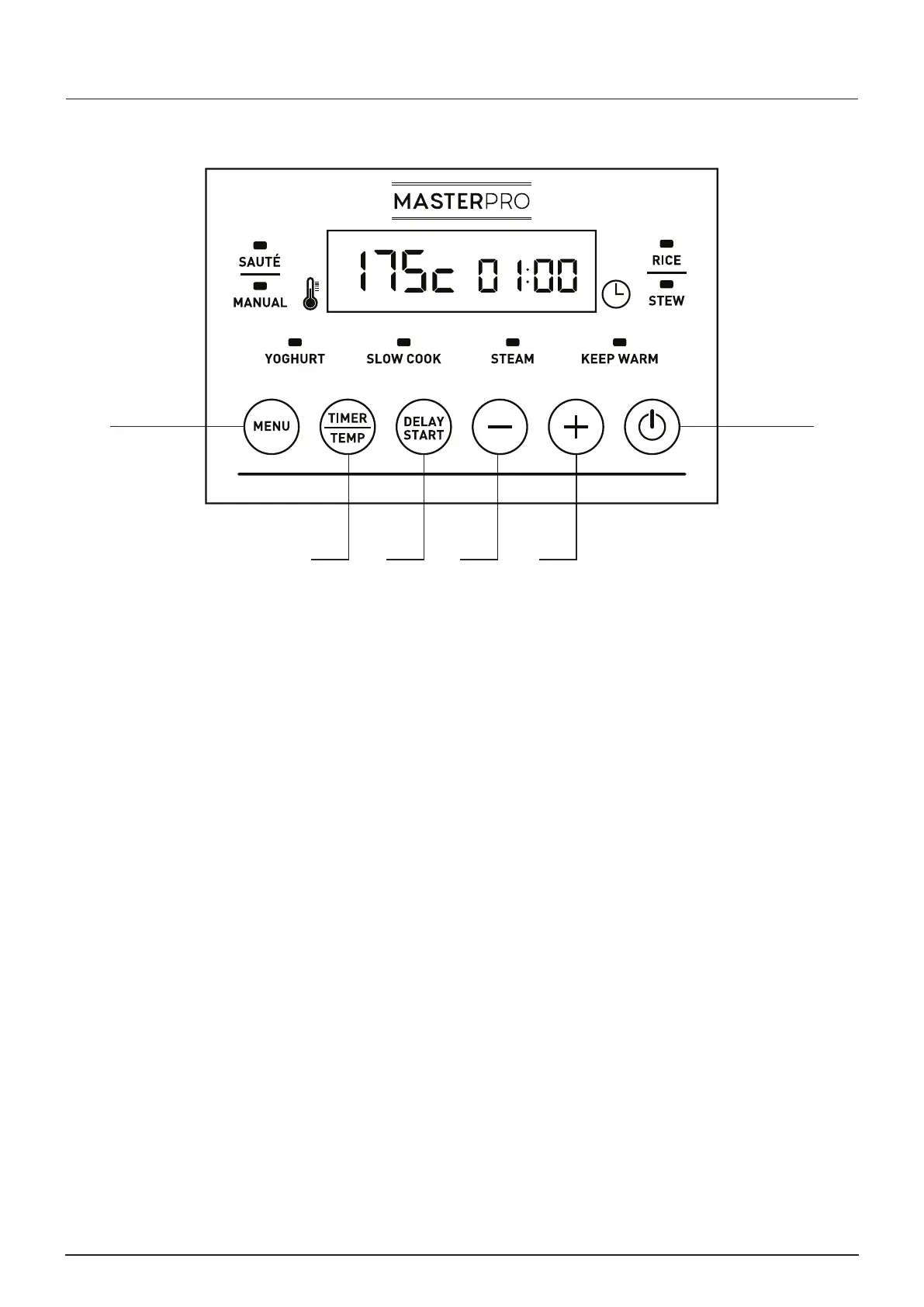
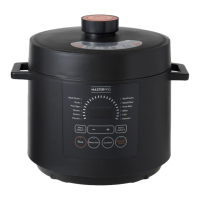
CONTROL PANEL CLOSE-UP
B C D E
A
F
Long press F to start the appliance
A. Menu button: Use to select a function. Press until desired function is selected.
B. Timer/Temp button: Use to select temperature and/or cooking time. Use with – (decrease) and +
(increase) buttons to adjust time and temperature.
Press and hold for 3 seconds to change between °C and °F.
C. Delay/Start button: Use to prep ahead and have a cooked meal ready when you get home.
D. Decrease button: Use to decrease temperature or cooking time.
E. Increase button: Use to increase temperature or cooking time.
F. Power button: Long press for three seconds to start or stop the appliance, then use the menu button
to scroll through. Short press for one second to pause or restart the appliance.


 To Next Page