01
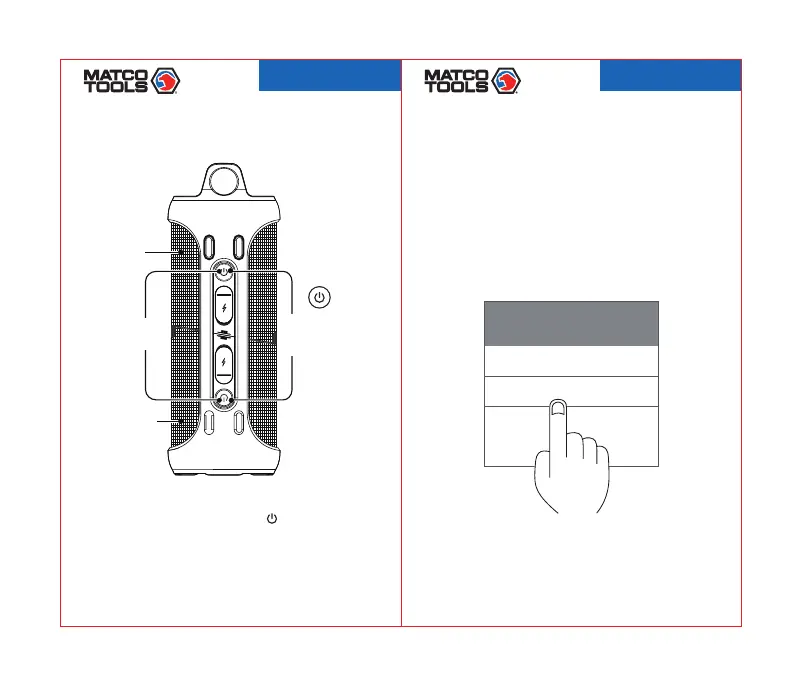
Step1Poweron
BLUETOOTHCONNECTION
02
Step2Choosethedevice
Bluetooth
Mydevice
MTC2N1WPS
Powerbutton/
Master
Sub-master
(Poweron/off)
Multi-Functionbutton
Indicator
MTC2N1WPS
2103078-41
MTC2N1WPS
2103078-41
Longpressmasterandsub-mastersimultaneouslyfor
2seconds.Youwillhearthepowerontoneandbeep
tonesthatindicatesuccessfulconnection.Itwillbeep
onceconnectedsuccessfully.Theindicatorlightofsub-
masterwillstayblue,masterindicatorlightflashesquickly.
Find“MTC2N1WPS”inyourbluetoothlistandselectit.



 To Next Page