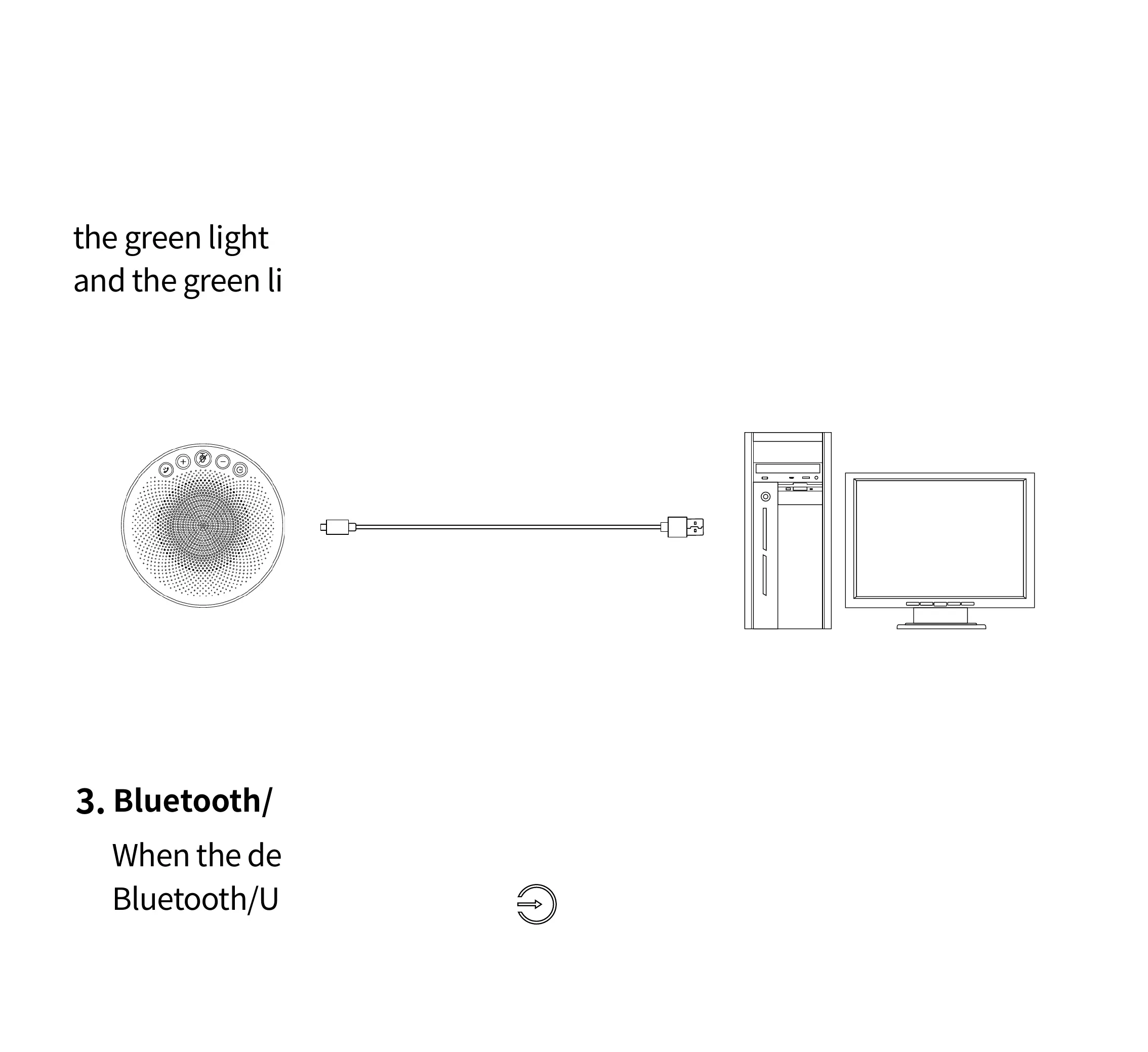
2.2 Connect by USB
Connect BluePod to the computer with a USB cable. After connection,
the green light ring will rotate clockwise to indicate the charging status,
and the green light ring will light up fully when fully charged.
When the device is connected to both Bluetooth and USB, touch the
Bluetooth/USB mode button to switch Bluetooth or USB mode.
Bluetooth/USB mode switching
3.
USB cable



 To Next Page