Long press ON/OFF key for 2s, device will be turn on/off with a beep .
2.1 Bluetooth connection
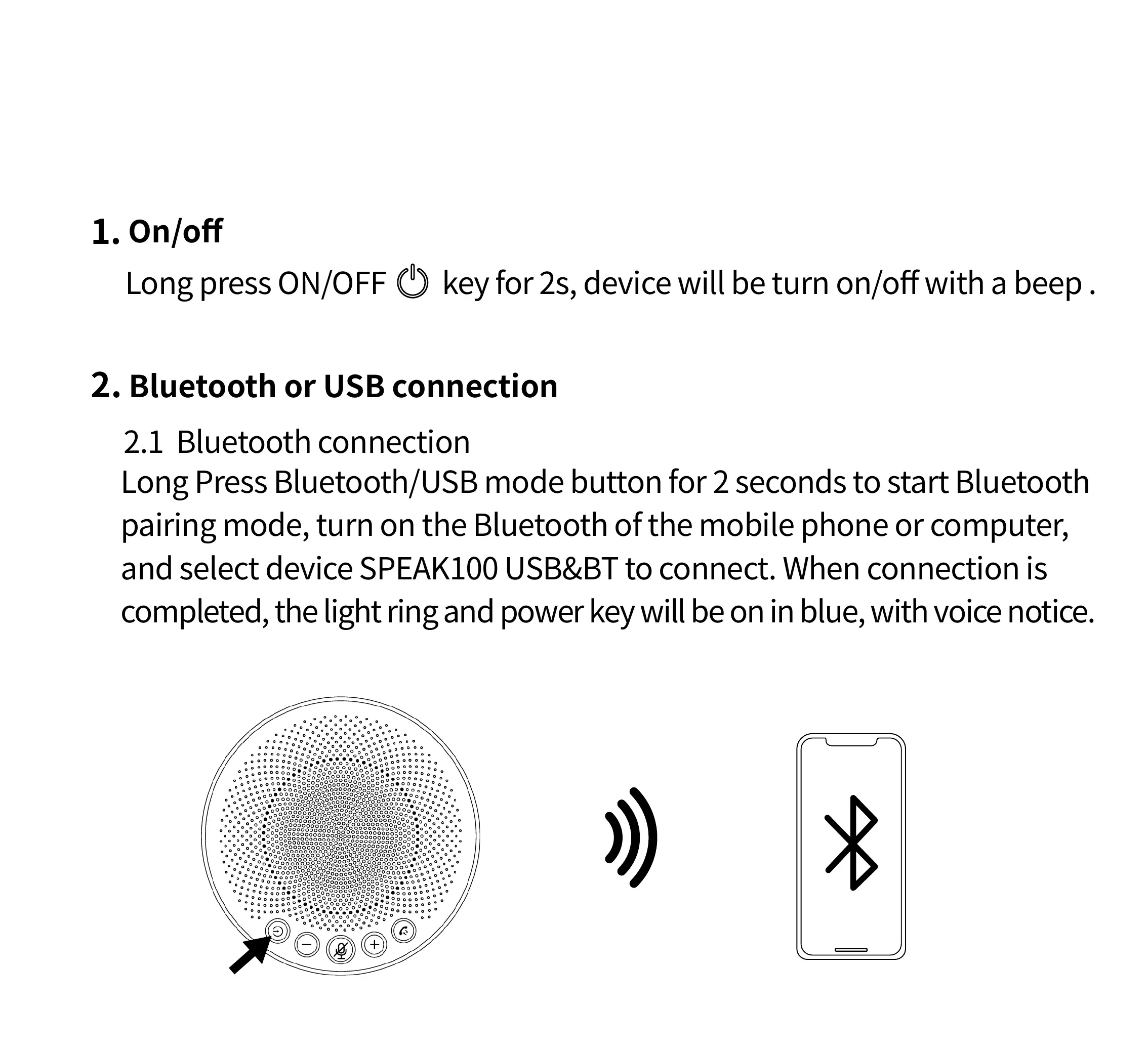
Long Press Bluetooth/USB mode button for 2 seconds to start Bluetooth
pairing mode, turn on the Bluetooth of the mobile phone or computer,
and select device SPEAK100 USB&BT to connect. When connection is
completed, the light ring and power key will be on in blue, with voice notice.
On/off
1.
Bluetooth or USB connection2.
Quick & Easy Set-up



 To Next Page