11
Troubleshooting
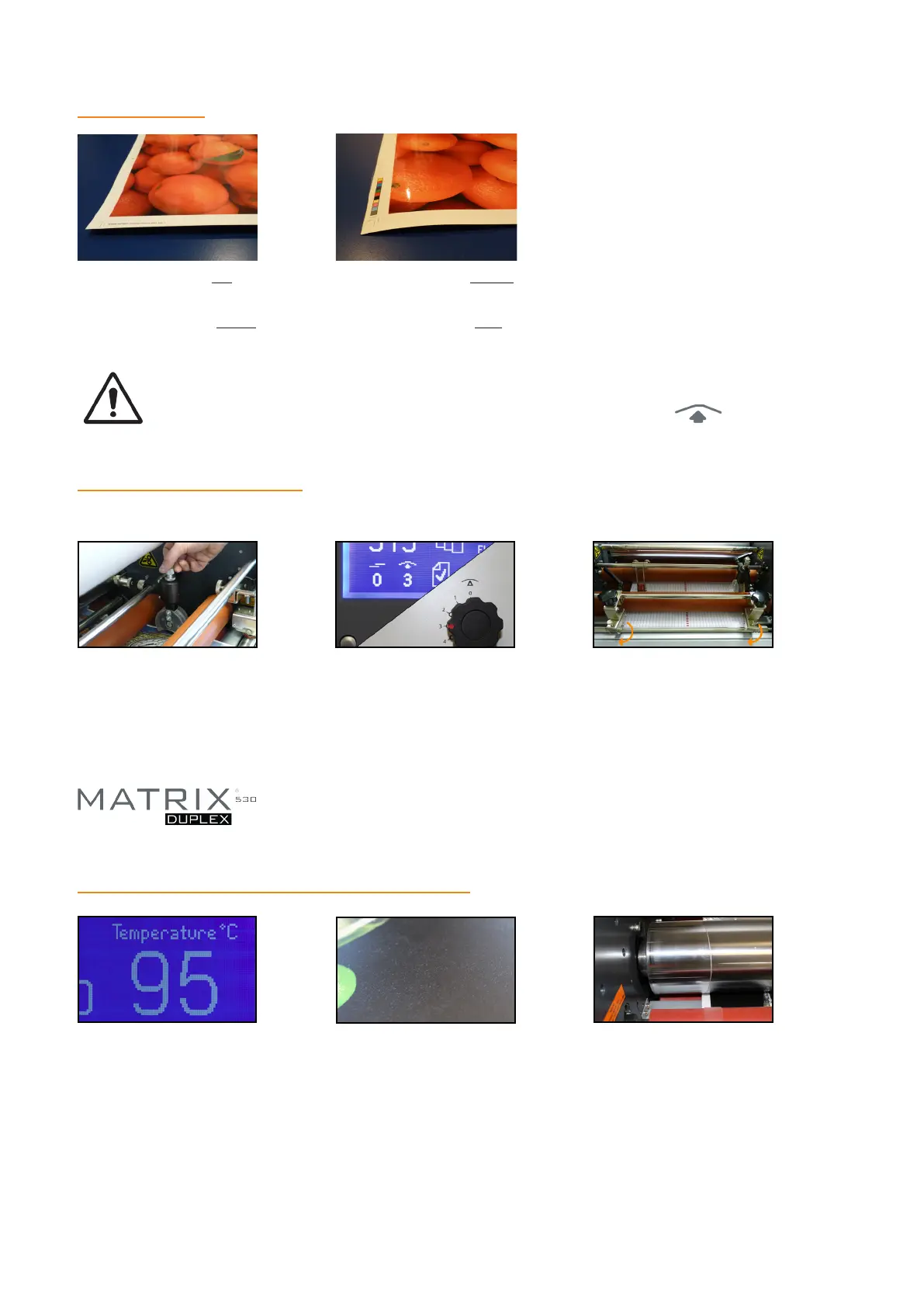
ANTI-CURL
If your sheet curls up once
it has left the laminator,
you need to apply more
anti-curl.
If your sheet curls down
once it has left the laminator
you need to apply less
anti-curl.
If you are unable to adjust the anti-curl lever, try releasing the pressure on the pull rollers.
Always ensure the manual setting on the lever matches the display on the screen.
SHEET SEPARATION
Ensure the perforation
wheel is set over the
laminating lm as shown
and that there is sucient
pressure applied.
Ensure the manual setting
on the anti-curl lever
matches the setting on
the display screen.
Additional note: Please ensure the top and bottom lms are aligned left to
right and the bottom perforation wheel is activated.
If the above settings are
correct, please adjust the
angled wheels until a
successful separation is
achieved.
If your sheets do not separate 100% of the time, here are the solutions:
SPEED & TEMPERATURE CONTROL
Most BOPP/OPP lms operate
between 95°C and 120°C.
Check your Matrix is at the
set temperature before you
start to laminate.
If your print is silvering, has a
cloudy nish or the lm has not
totally bonded to the paper, you
are running the Matrix too cool
or too fast.
Please remember, when you begin to run the laminator faster, the lm will have less time on the
heated roller. Therefore you must increase the temperature setting.
We always recommend you laminate a test sheet rst to check the bond and atness.
If your print appears blistered or
the lm has shrunk signicantly as
it passes over the laminating roller,
you are running the Matrix too hot
or too slow.


 To Next Page