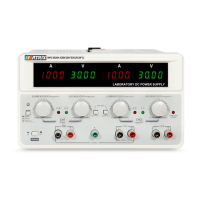
Figure 3.2 Rear panel of MPS-H-3 series DC power supply
① Instrument power input socket
② Instrument power input switch
③ Heat dissipation hole
3.2 Pre-check
Please follow the steps below to check the power supply to ensure that the power supply can be used
normally.
1. Inspection
Please check whether you have received the following accessories when you receive the power supply. If any
are missing, please contact your nearest dealer.
□ A power cord (conforms to the voltage standard used in the region)
□ An user manual
□ A warranty card
2. Connect the power cord and turn on the power
After power-on, the power supply first conducts a system self-test, and then enters the standby state.
Warning: A three-core power cord is provided when the power supply is shipped from the factory. Your
power supply should be connected to a three-core junction box. Before operating this power supply, make
sure that the power supply is well grounded.


 To Next Page
 Loading...