10| Revision Date: 8/30/2017 | Revised by: EM
Check Netpulse installation
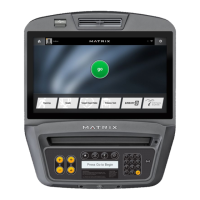
1. Press Enter 3 0 0 1 Enter to open Service Mode, and then touch the Netpulse tab.
2. If you see the following message, “This machine has never been installed on the Netpulse network”, then your machine will need to be synchronized
with the Netpulse system.
3. Tap or click Test Network.
4. Once the test is complete, check the log to make sure all network tests passed.
Check tuner
If the console was produced before June 2015, it may have a Hauppauge tuner. To check, press
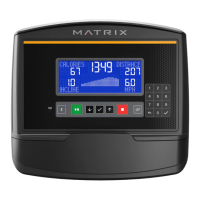
Enter 5 8 6 9 Enter
on the keypad. The console will
display the tuner type.
Replace the Hauppauge tuner with the new Avermedia tuner. See the document “Avermedia Tuner Installation” under Parts Replacement for
complete instructions.
Hauppauge Tuner Avermedia Tuner



 To Next Page