21| Revision Date: 8/30/2017 | Revised by: EM
g. Click the arrow to expand Sound, video, and game controllers.
h. Right-click WinTV HVR-950-q USB Audio Device and select Uninstall.
i. Click Yes on all prompts.
j. After the device has been uninstalled, click on the icon shown below. This will scan the computer for hardware changes.
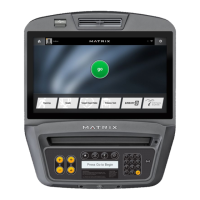
k. Once the installation is complete, close all windows. Return to the Matrix home screen and test the TV audio.



 To Next Page