26| Revision Date: 8/30/2017 | Revised by: EM
Reinstall TV tuner drivers
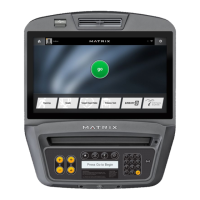
If the touchscreen does not respond, begin with Step 1. If the touchscreen responds, begin with Step 5.
1. Confirm which type of tuner the unit has (Hauppauge or Avermedia) by pressing
Enter 5869 Enter
while on the welcome screen. A ribbon
will scroll at the top of the screen.
2. Set up the computer accessories:
a. Plug in a USB hub with a USB drive, keyboard, and mouse attached.
b. Turn the console off and then on again.
c. Verify that the console recognizes the devices.
3. Enter
Device Manager
, and then double-click to open
Avermedia
.
4. Select the
Details
tab
.
5. Under
Values
, look for the string
USB\VID_07CA&PID_B837
:



 To Next Page