30| Revision Date: 8/30/2017 | Revised by: EM
Replace LVDS Wire
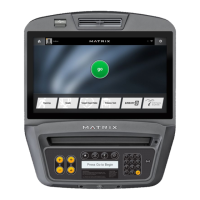
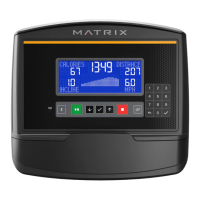
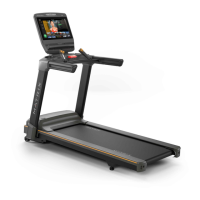
If the LCM screen is lit and showing “Matrix” or “Welcome,” follow the instructions below:
1. Remove four (4) screws from the back of the console cover.
2. Check the LVDS cable. If the cable connection is crooked or ajar, unclip the cable and then reattach it.
3. If the issue remains, replace the LVDS cable.
4. Test the console.



 To Next Page