41| Revision Date: 8/30/2017 | Revised by: EM
Set BIOS Data
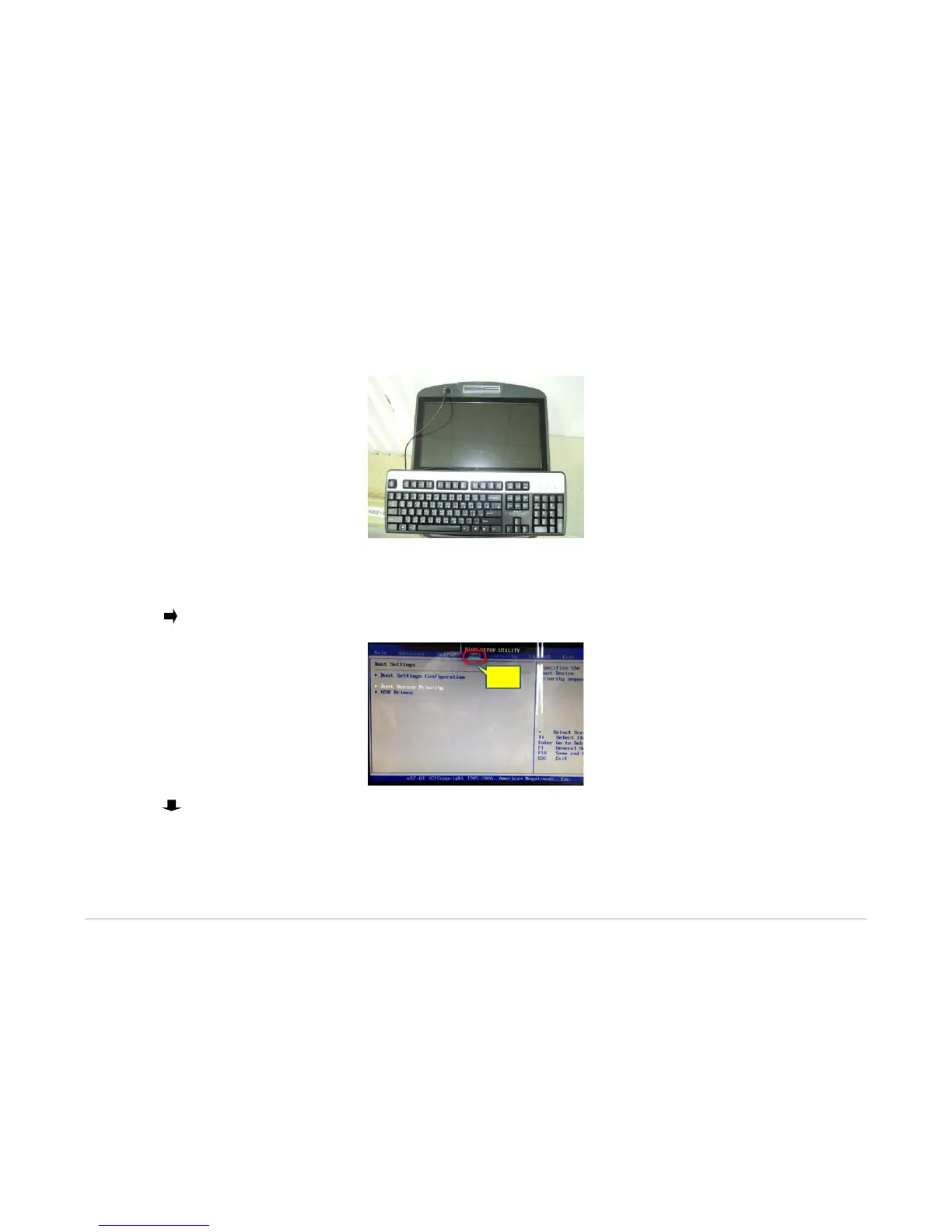
1. Connect keyboard to console using USB port.
2. Power off and then power on the console.
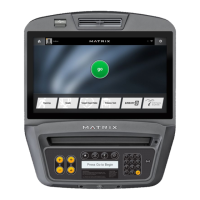
3. Repeatedly press Delete on the keyboard until BIOS setup menu appears.
4. Press (right arrow) on the keyboard to move to the boot option.
5. Press (down arrow) on the keyboard to move to the Boot Device Priority option.



 To Next Page