3938
5X CONSOLE DESCRIPTION
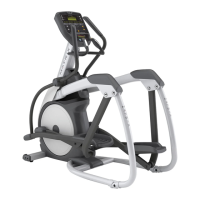
The Matrix machine is inspected before it is packaged. It is shipped in two pieces: the base and the console. Carefully unpack
the unit and dispose of the box material. Note: There is a thin protective sheet of clear plastic on the overlay of the console that
should be removed before use.
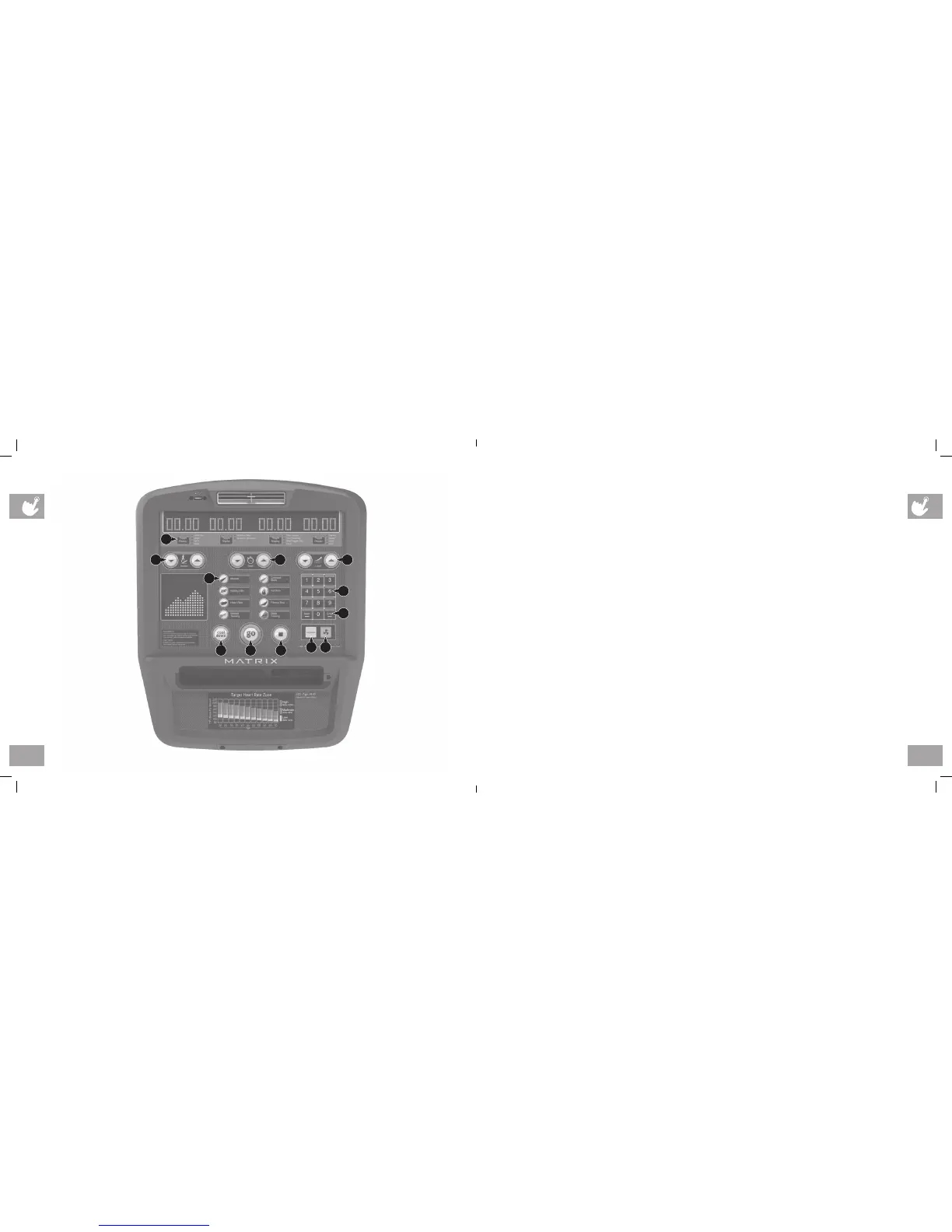
A WORKOUT KEYS: Simple program view and selection buttons.
B GO: One Touch Start.
C ENTER: To confirm each program setting.
D UP/DOWN INCLINE (A5X/ALB5X): Easy information and incline selection.
E UP/DOWN LEVEL: Easy information and level selection.
F UP/DOWN TIME: Easy information and time adjustment.
G STOP: Ends workout and shows workout summary data.
H TOGGLE DISPLAY: Cycles between 2 or 4 rows of workout information displayed in LED window. The console will
automatically cycle between the workout information if the Toggle Display button is pushed and held down for 3 seconds.
I NUMBER KEYPAD: Workout data input for workout setup. Level adjustment during workout.
J COOL DOWN: Puts the Ascent into Cool Down mode.
K LANGUAGE: Select Language.
L FAN: Allows for fan speed selection (fan has three operating speeds.)
A5X CONSOLE SHOWN
A
B GJ
K
C
D
EF
I
L
H
MX14_AEALB3x_5x_7xe_7xi_OM_Rev1_1.indd 38-39 6/4/14 11:24 AM


 To Next Page