Matrox M-Series – User Guide 15
Software setup
This section describes how to install Matrox software for
Windows
2000
,
Windows Server 2003, Windows Server 2008
,
Windows XP
,
and
Windows Vista
. The installation of the display driver is the same
for the 32-bit and 64-bit versions.
You may need administrator rights to install certain software. For
more information, see Windows documentation or contact your
system administrator.
Windows 2000/XP
1 Install display driver
Windows detects new hardware when you restart. If Matrox display drivers haven’t been
previously installed, Windows prompts you to install a display driver. When prompted by
the
Found New Hardware
wizard to install a display driver for your graphics hardware, click
Cancel
.
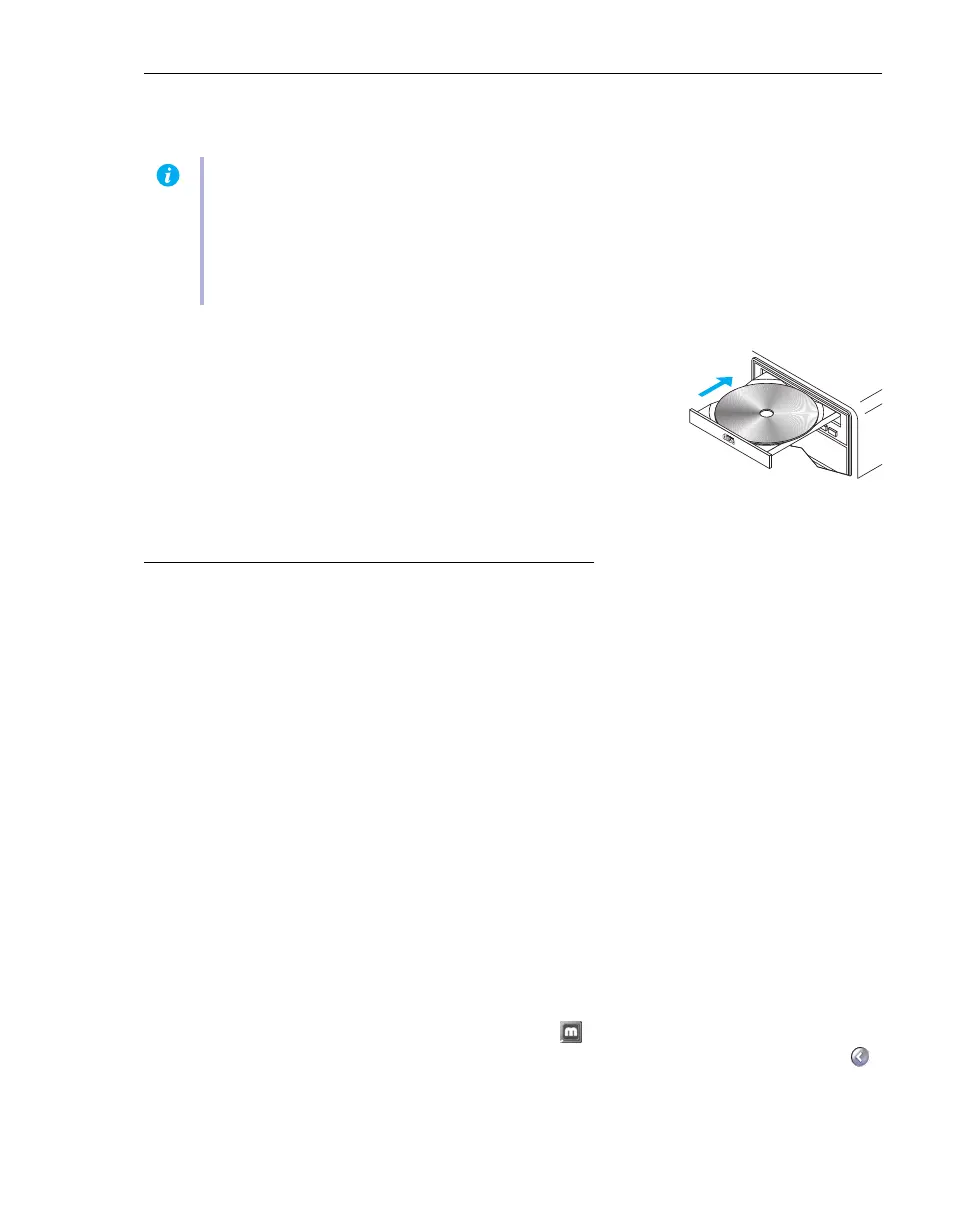
Insert the Matrox Installation CD-ROM and follow the on-screen intructions. The Matrox
installation program installs Matrox display drivers and PowerDesk software for your
Matrox product.
2 Install optional software
After your computer restarts, the setup program shows you a list of additional items you can
install. Follow the on-screen instructions.
3 Set up your display software
Use Matrox PowerDesk software to change certain display settings or access Matrox features.
To access PowerDesk, double-click its icon ( ) on your Windows taskbar. To see the
PowerDesk icon in Windows XP, you may need to click the
Show hidden icons
button ( )
on your Windows taskbar. For more information on how to use Matrox PowerDesk, see
Matrox PowerDesk help.
Note:
This guide has references that are specific to the Matrox installation CD-ROM. If your
Matrox product wasn’t packaged by Matrox (for example, if it was included with your computer),
your product may not include this CD-ROM.
If you don’t have this CD-ROM, certain references in this guide may not reflect the software you
have. For more information, see other software documentation provided by your system vendor.











 To Next Page