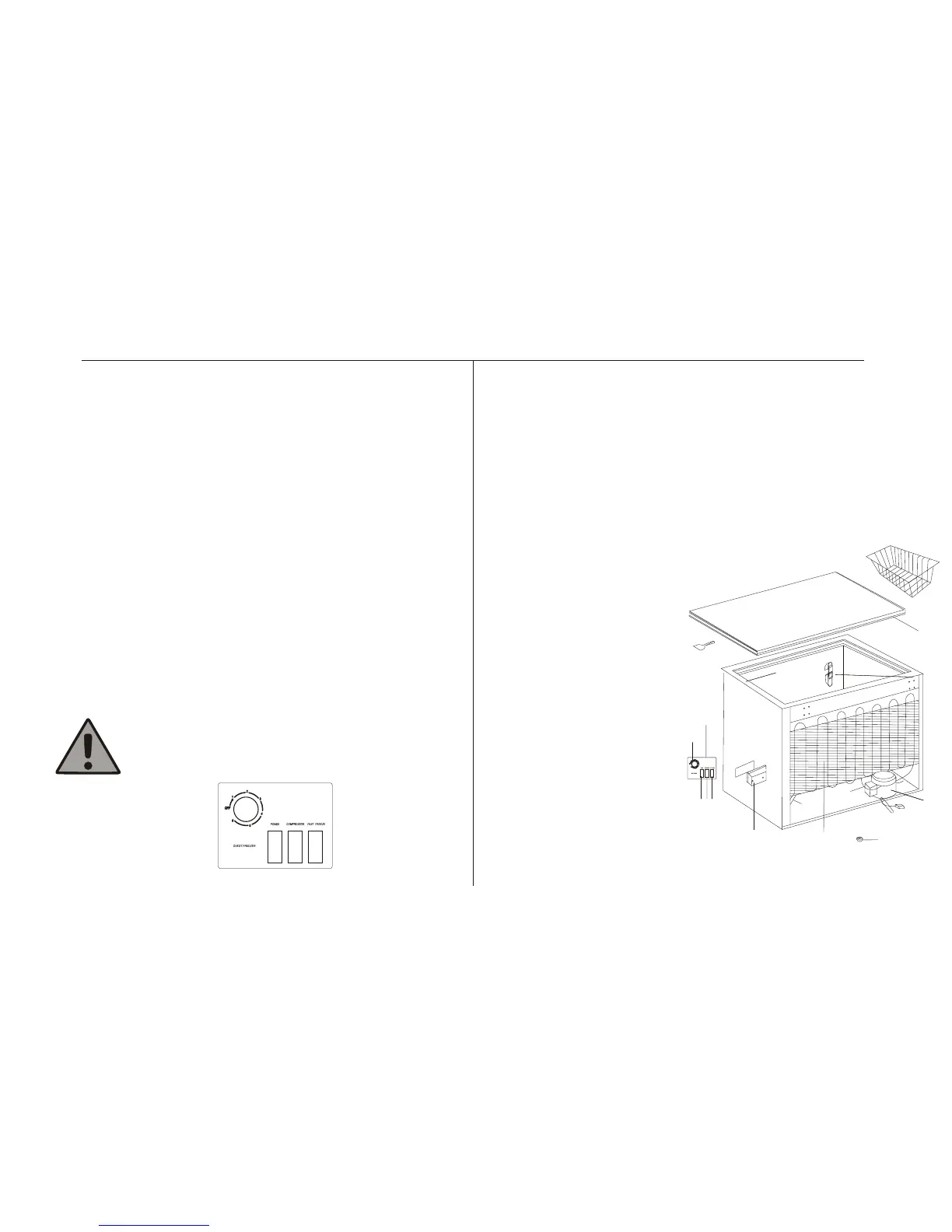
Freezer Controls Freezer Diagram
Green Indicator Light (9)
This light shows that mains electricity is connected to the freezer.
The Green light does not give any indication of the temperature
inside the freezer.
Red Indicator Light (10)
This illuminates to show when the compressor is running
Amber Boost Switch (11)
(Push On/Off) This will glow whilst the boost switch is on. The switch
overrides the thermostat and the compressor will operate continuously
to lower the cabinet temperature further.
At the mi nimum position, the thermostat may be switched
OFF! There will be a click when this happens. The freezer
will not run if the thermostat is switched OFF.
Temperature Control
The normal storage temperature of your freezer should be -18°C (0°F).
The thermostat control, located at the front of the freezer, should be
set to position"4" to obtain the correct temperature for storing
already frozen food. This setting may have to be varied depending
upon the frequency of opening and closing the lid and for a room
temperature in excess of 25°C (77°F). Lower temperatures may be
obtained at the expense of higher running costs, with little
corresponding benefit.
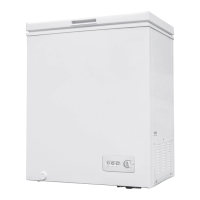
1: Lid
2: Ice Scraper
3:Gasket
4: Hinge
5: Seal
6: Cabinet
7: Control Panel
8: Thermostat Knob
9: Green Indicator Light
10:Compressor ON Light
11: Boost Switch
12: Condenser
13: Control Rear Cover
14: Drier
15: Gliders
16: Power Cord
17: Compressor
(MCF97W, Located at rear.)
(MCF150W, Located at side.)
18: Storage Basket
MCF 97W/ MCF150W only
3
1
12
14
15
16
17
18
13
2
3
4
5
6
7
8
9 1011



 To Next Page