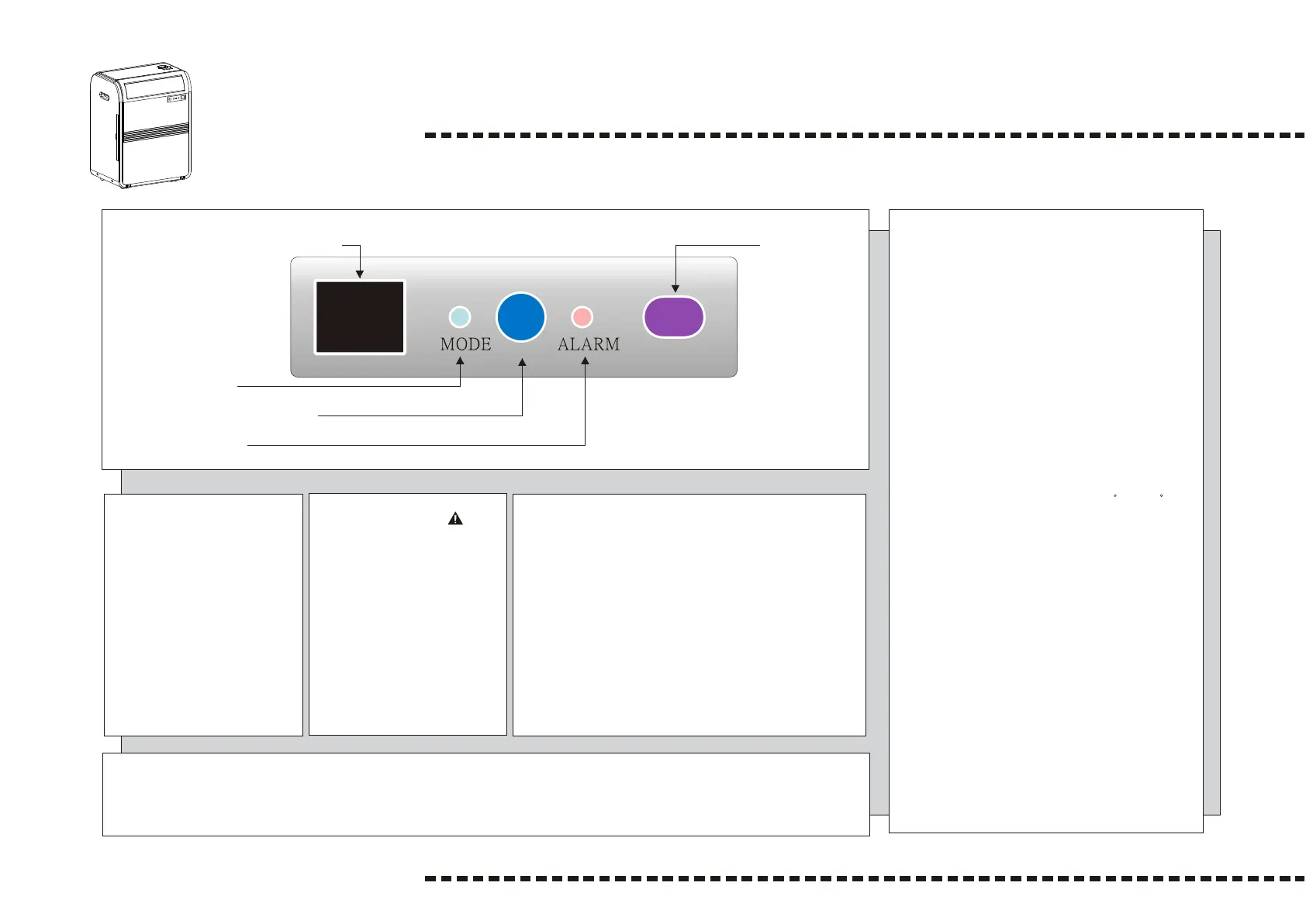
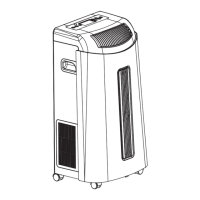
CONTROL PANELCONTROL PANEL
Operation
Temp. and time setting indicator
- When indicator lights, it means:
a. Unit begins to operate, it will display "temperature
at present".
b. When setting temperature, it will display
"set temperature".
c. When setting time, it will display " set time " and
indicator flashes.
d. 5 seconds after "set temperature" and "set
time", it goes back to "temperature at present".
e. If you press "set temperature" , it will display
"set temperature". If you press "set time",
then it will display "remaining set time".
f. Temperature display range from 0 C to 50 C.
g. When environmental temperature higher than
temperature display range, it shows "HI".
h. When environmental temperature lower than
temperature display range, it shows "LO".
- While indicator goes off, unit stops operating.
Power Control
The power control turns the
unit on and off.
When press power control,
unit begins to operate.
Its operation mode is auto
and fan speed is auto.
Warning Light
Condensed water may
accumulate in the unit.
If the internal tank becomes
full, the warning light will
lit and the unit will not
operate until the unit
has been drained.
Operating mode indicator
Indicator color of operating mode and LED :
When cooling mode is selected, the indicator light
will turn blue.
When dehumidify mode is selected, indicator light
will turn orange.
When fan mode is selected, indicator light will
turn green.
When auto mode is selected, indicator light will
based on the operating mode.
0/I
Warning Light
Power Control (Emergency)
Mode Control
Receiving sensor
Temp. and time setting indicator
After switching the air conditioner off, you must wait 3 minutes before switching
it back on again.
4


 To Next Page