Drive Unit Attachment
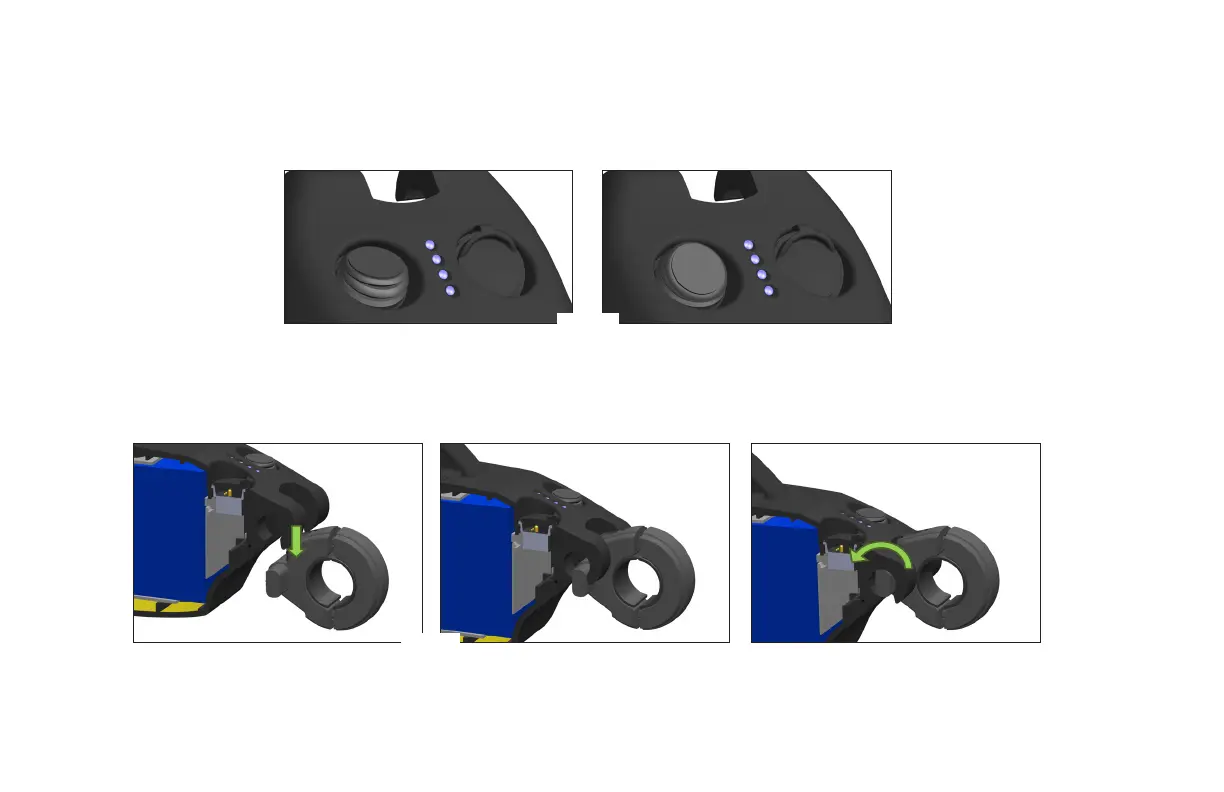
Making sure the wristband is o, power on the drive unit by ipping the toggle switch to the on position prior to attachment. “On”
is pushing the toggle away from the front of the drive unit (Fig. E). You will get a loud beep and the blue LEDs will illuminate as
indication.
1. e drive unit attaches to the wheelchair by aligning the ats in the clamp with the receiving slots on the front, underside of the
unit body. e unit body is then lowered over the clamp rods (Fig. F) and rotated downward to pivotally attach the drive unit to
the clamp, and consequently the wheelchair (Fig. G). Under the weight of the drive unit, the omni-wheel end rests on the ground
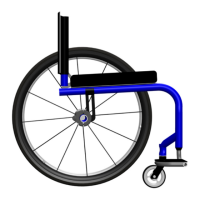
between the rear wheelchair wheels (Fig. H).
Fig. E
Fig. F
Fig. G


 To Next Page