5425 crossings boulevard, nashville, tn 37013
p: 800.637.2980
f: 888.411.9027
mobility
max
®
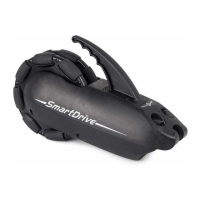
2. If buttons were purchased, refer to their separate instructions for mounting directions.
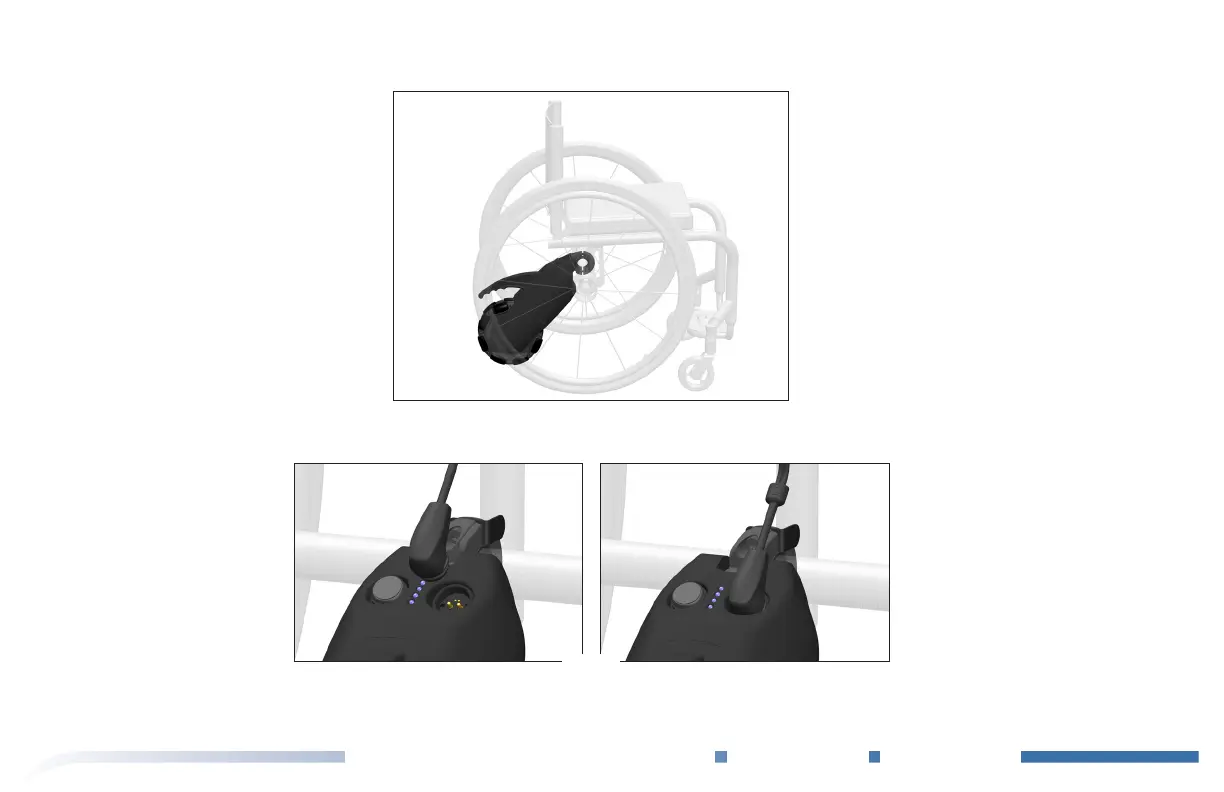
e buttons plug into to the drive unit us-
ing the magnetic connector that snaps into the receptacle on the drive unit housing (Fig. I).
Fig. H
Fig. I
Removal of the SmartDrive takes place in the reverse order.
Refer to the User’s Manual for SmartDrive operation.


 To Next Page