Description and functions:
1.USB port:Use it to insert the USB memory storage device
with mp3 files.
2.SD port:Use it to insert the SD card with mp3 files.
3.IR receiver: Use for remote control operate back side.
4.LCD Display:This display shows track and system
information.
MP3 Player Button
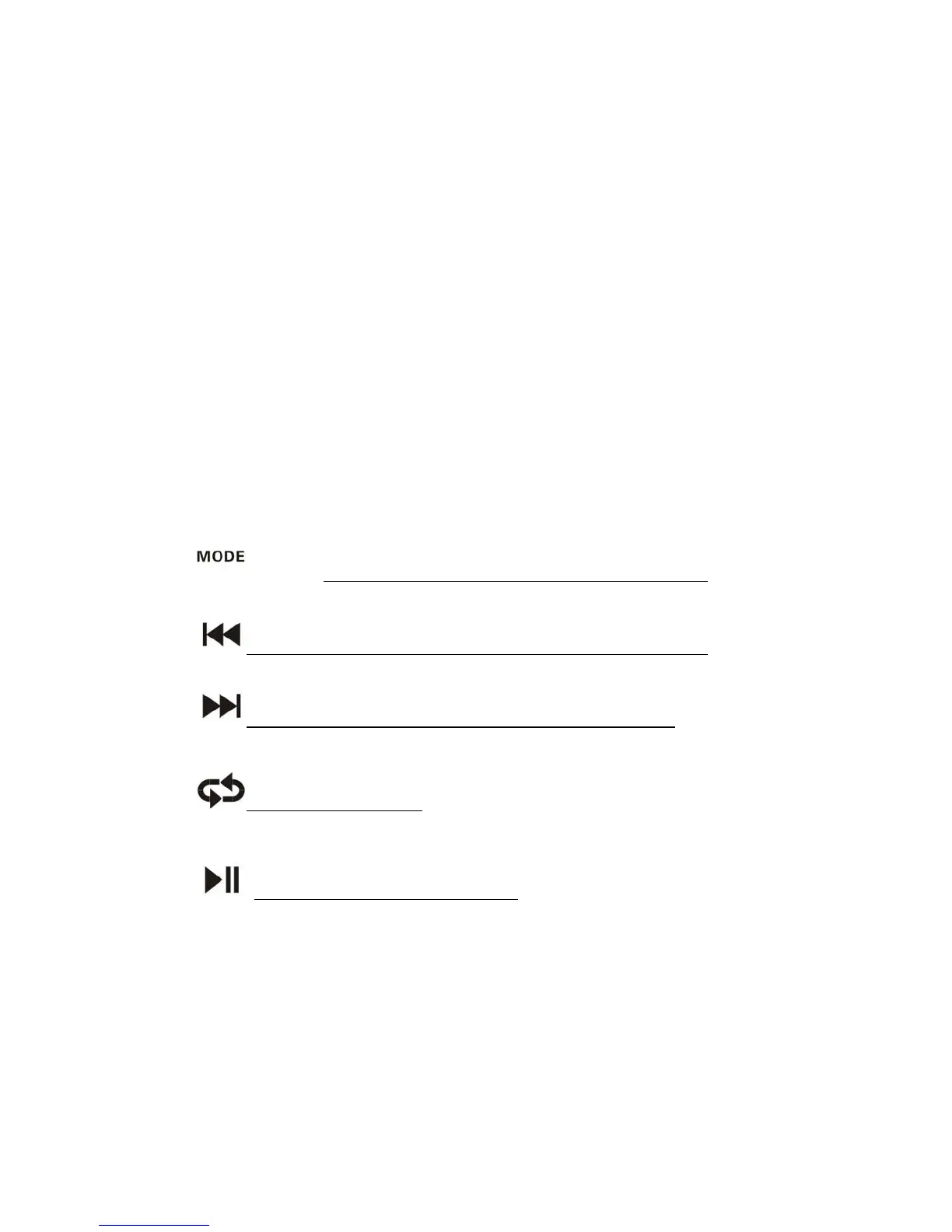
5. Press Switch between USB/SD/ FM/BLUETOOTH
6. press:Switch Return Long press Voice DOWN
7. press:Switch Next Long press Voice UP
8. between RA/RO/RR
9. Short press: Play/Pause
10.Volume for MIC 1 input
11.Volume for MIC 2 input
12.XLR Connector for MIC1 input
13.XLR Connector for MIC2 input


 To Next Page