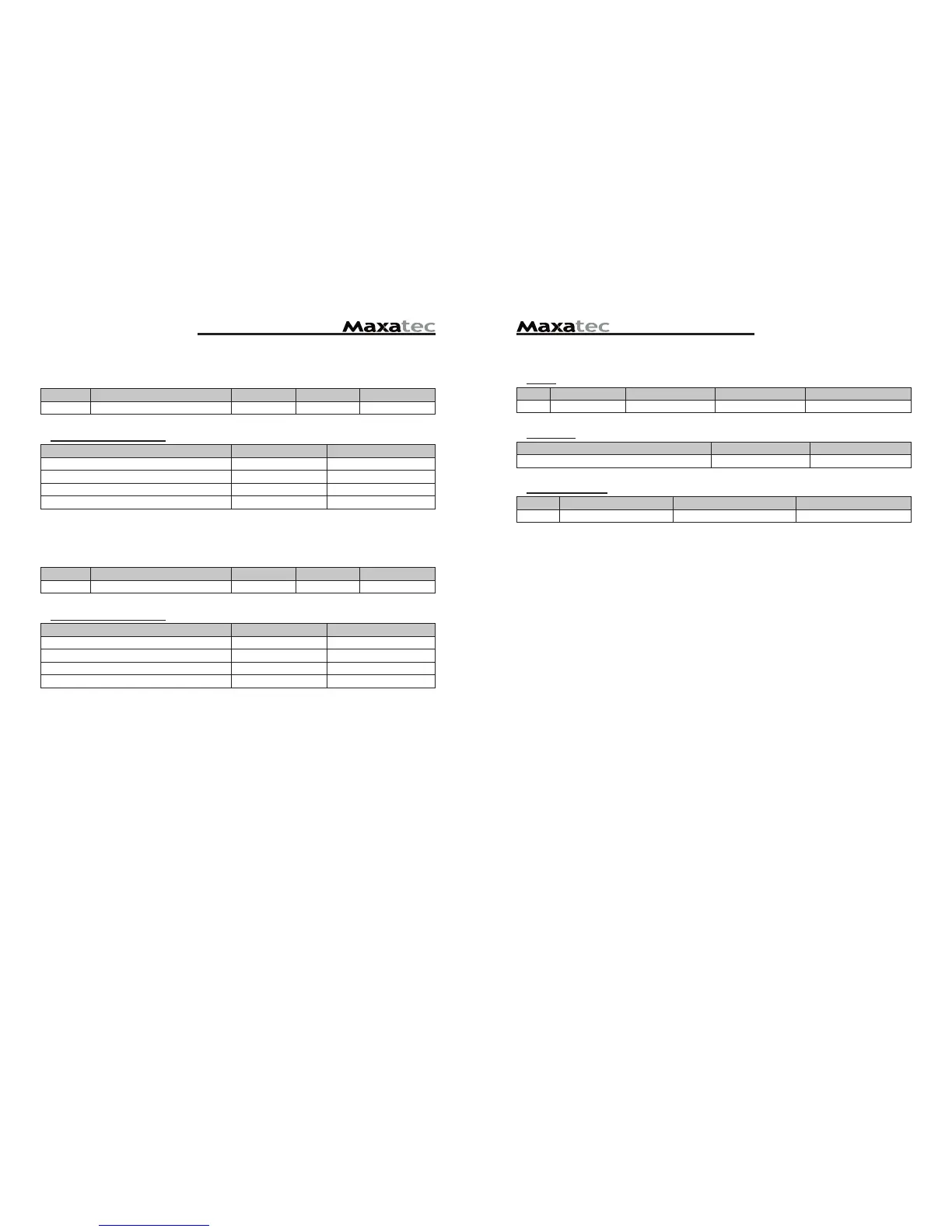
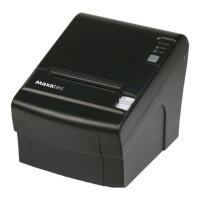
DIP Switch Set 2 Functions
Cutter
SW FUNCTION ON OFF Remarks
3 Cutter FULL CUT PARTIAL CUT Only Epson mode
Emulation
FUNCTION SW-4 SW-5
Epson (TM-88) OFF OFF
Paper low detect (*1)
SW FUNCTION ON OFF
6 Paper Low Detect Do not Detect
(*1) The detecting function of [Paper Low] is an option.
Please set Dip Switch (2-6) [OFF] if you don't need any option.
If Dip Switch is [ON] without any special option purpose.
Printer detects [Paper is Low] and it could cause error.
2-4-5. Wi-fi Specification
DIP Switch Set 1 Function
SW FUNCTION ON OFF DEFAULT
2 Hexadecimal HEXDUMP NORMAL OFF
Print Density (DIP-SW2)
Print Density SW-1 SW-2
Low Power ON ON
Normal OFF ON
Normal ON OFF
Dark OFF OFF
2-4-6. Ethernet Interface Specification
DIP Switch Set 1 Function
SW FUNCTION ON OFF DEFAULT
2 Hexadecimal HEXDUMP NORMAL OFF
Print Density (DIP-SW2)
Print Density SW-1 SW-2
Low Power ON ON
Normal OFF ON
Normal ON OFF
Dark OFF OFF


 To Next Page