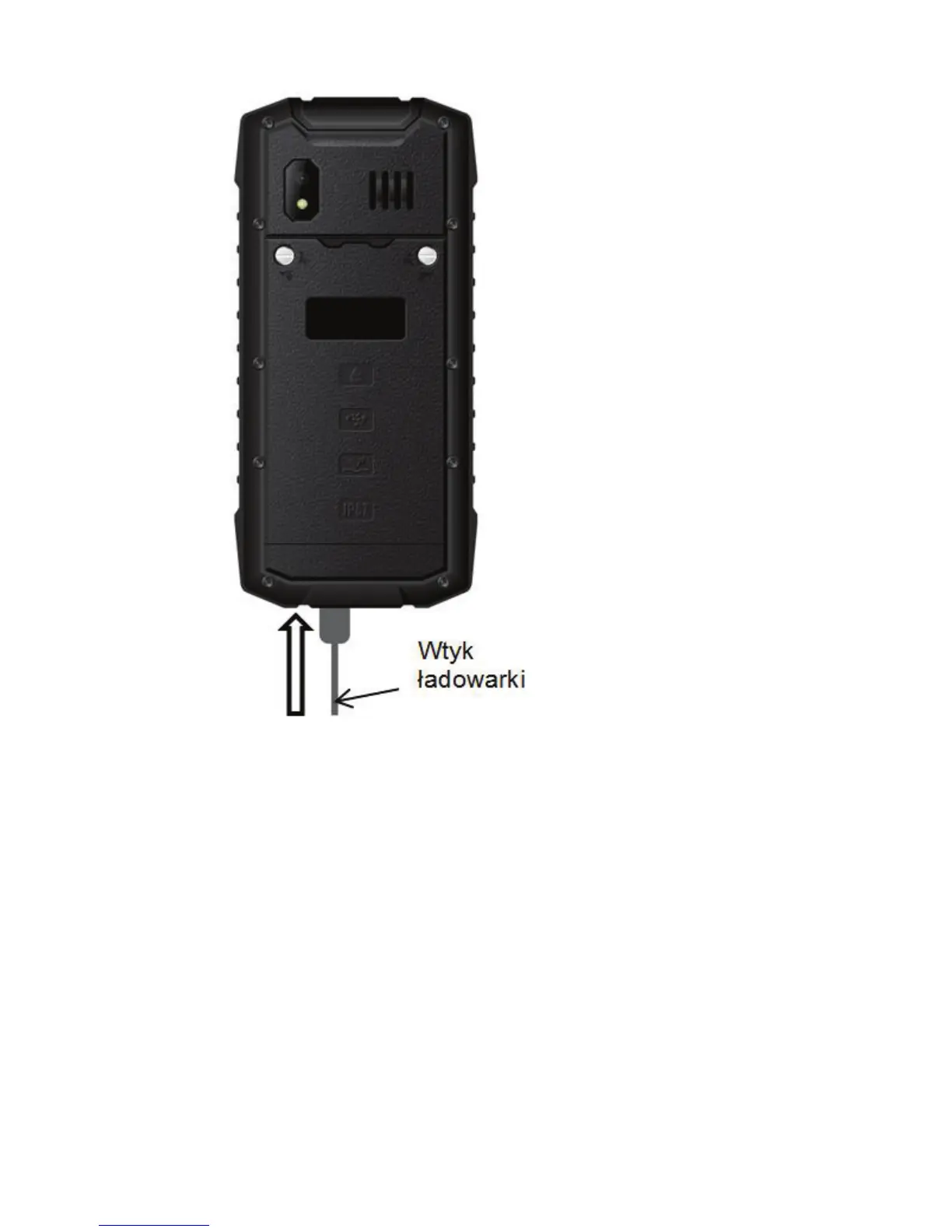
Note:
o Prior to charging the phone, make sure the
battery is properly installed.
o Never remove the battery while charging –
doing so might damage the phone.
o If battery voltage is too low for the phone to
properly function, there will be a message on the
LCD that the phone will be automatically
switched off, and then the phone will be
automatically switched off.



 To Next Page