Allowsusertotherestoredefaultsettings.
12. Language
Choosebetween12differentlanguages
13. Brightness
AllowsyoutochangethebrightnessoftheLCDscreen.
14. Contrast
Allowsyoutochangethecontrastofthe LCDscreen.
15. Color
AllowsyoutochangethecoloroftheLCDscreen.
16. Tint
AllowsyoutochangethetintoftheLCDscreen.
17. Time
Thisfunctionallowstheusertosetthesystemtime.
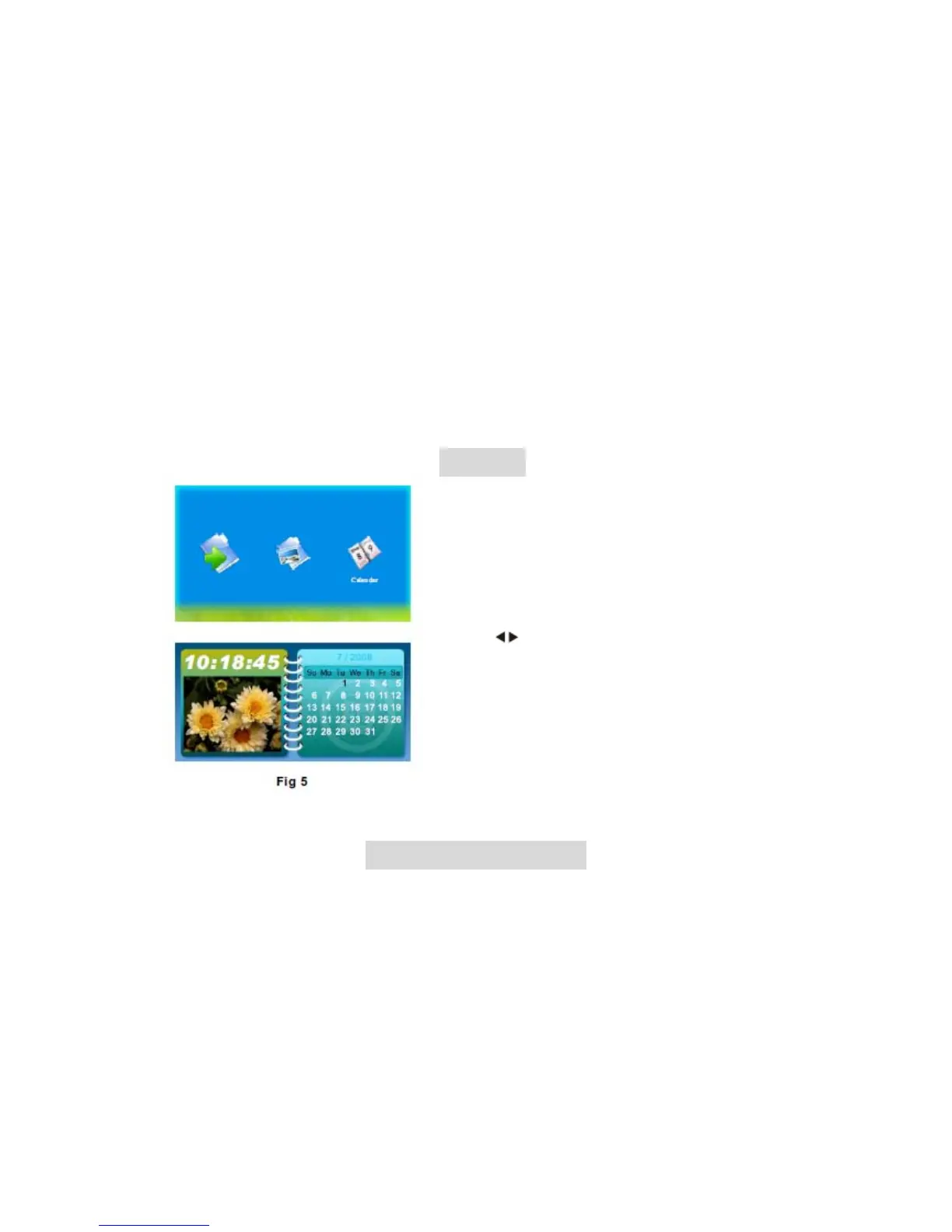
Calendar
Allowusertosetupdateandtimeofthesystem
(Fig5).
Operation:
Press key to choose Calendar in Select
Mode,PressENTERkeytogointothecalendar
interface. In addition to displaying the current
data, the user can the navigation key you can
previewdifferentyear,Month,andday.
TroubleshootingGuide
If you are experiencing problems with your Digital Photo frame,pleaseconsult this
guide.Ifyouneedfurtherassistance,pleasecontactcustomerservices@maxell.eu.
Nopower:
Please check whether there is power, and that the DC power cord is plugged in
correctly.
Displaytoobrightortoodark:
Pleaseadjustthebrightnessorcontrastinthesetupmenu.



 To Next Page