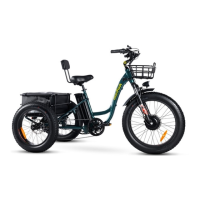
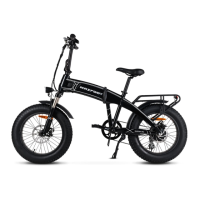
If your MaxFoot bike is not working, check the Quick Disconnect fittings to make sure they did not come
loose or unplugged.There are 5 total colored Quick Disconnect fittings to check:
1.Throttle – Yellow (3 PIN)
2.Left Brake Lever – Red (2 PIN)
3.Right Brake Lever – Red (2 PIN)
4.Controller Box - Black (10 Pin)
5.LCD Display– Green (5 PIN)
Simply unwrap the black spiral wire covering until the Quick Disconnect fitting is exposed. If necessary,
unthread and re-thread the Quick Disconnect fitting(s).
Make sure that the battery is inserted fully into the bicycle. If it is not, the vehicle will receive no power
causing all of the electronics to not turn on.
For any additional troubleshooting help, please contact Support@maxfoot.bike
#21-Abnormal Current: Check if the phase of motor is short circuiting.
#22-Abnormal Throttle: Check whether the throttle is functioning properly.
#23-No Phase State: Check if the phase wire is normal or check if the cable is firmly connected with
controllers.
#24-Abnormal Hall Signal: For controller without hall sensors, check if the phase wire is normal; for controller
with hall sensors, check if the hall wire is normal.
#25-Abnormal Brake: The brake may be too tight, or the cables connected to the brake are broken.
#30-Abnormal Communication: Check if the cables are properly connected to each part.


 To Next Page