Menu Operation
2VJDL4FUUJOH
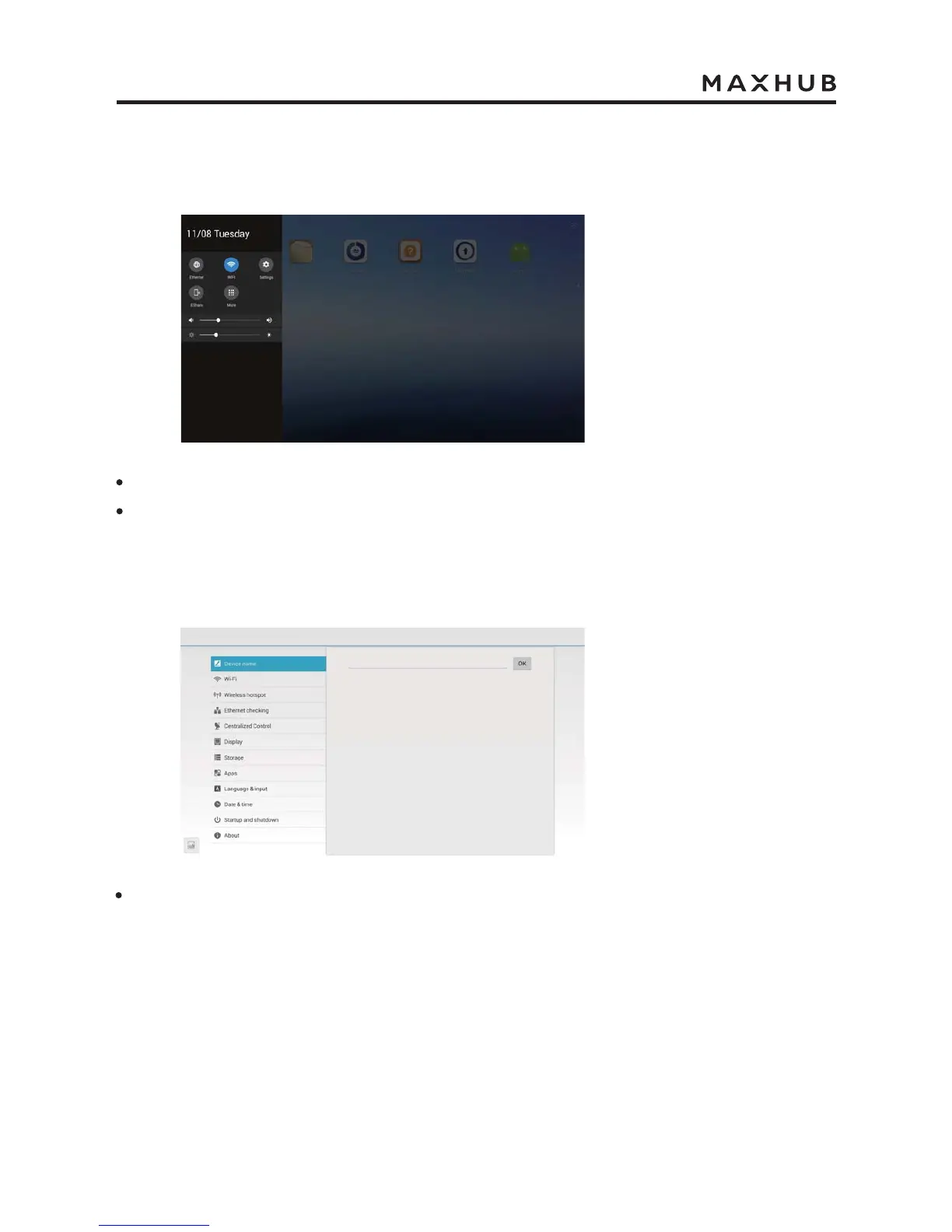
In the quick setting, use touchpen can adjust brightness and voice.
Klick “Settings” with touchpen to enter Android Setting Menu.
Android Setting
In “Device name”, you can freely change the device name. The “Enter the name displayed
in the meeting you create” in the remote meeting will be synchronously updated with the
change of the device name.
Use touchpen to drag from the left or right of the screen to the middle, can call up the following
quik setting menu.


 To Next Page