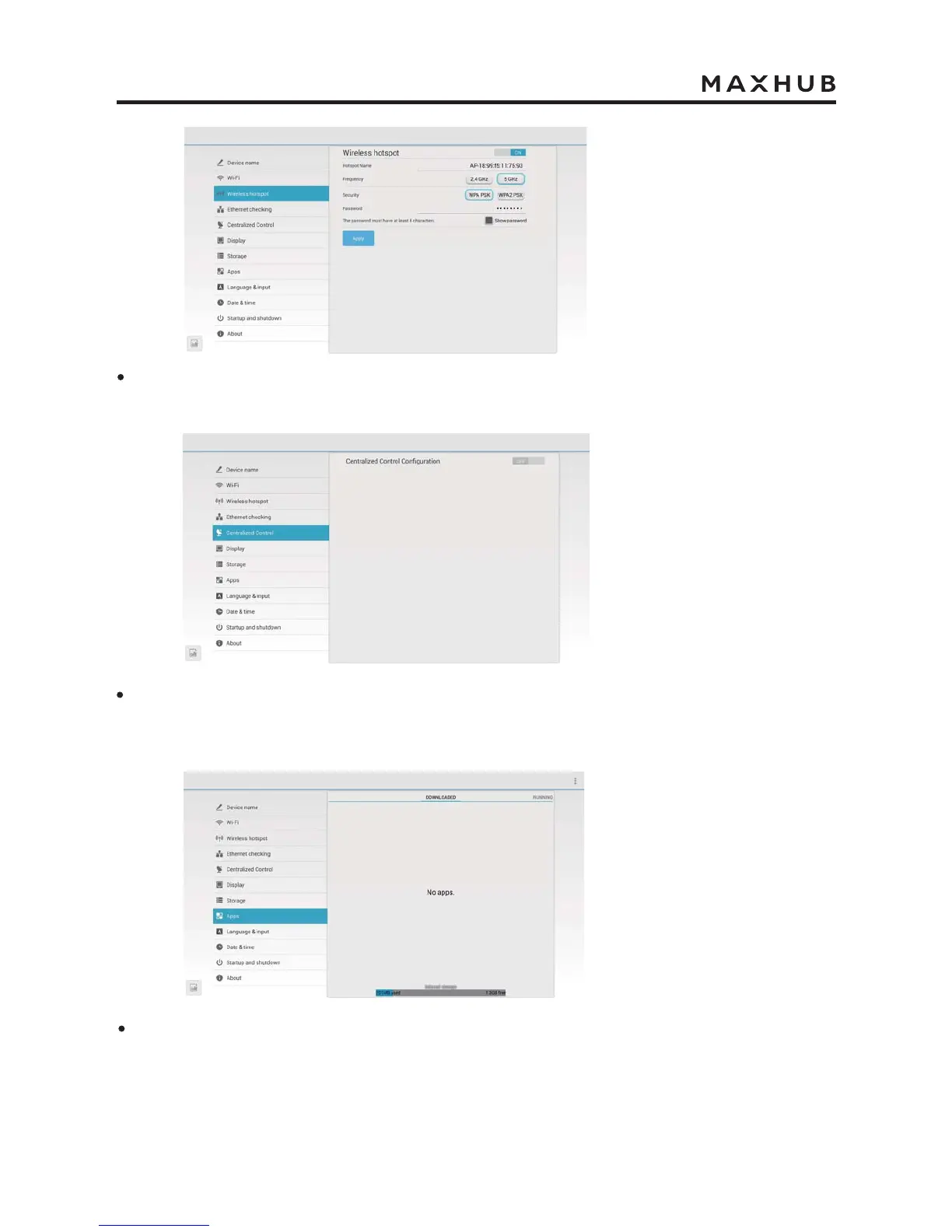
In “Wireless hotspot”, you can turn on/off wireless hotspot, adjust the frequency band and
security, and set the wireless hotspot password.
In “Centralized Contol”, you can open the configuration control address. After finish
configuration, you can remotely check the IFP’s status and turn it on/off.
In “Apps”, you can look over the downloaded applications, running programs, and all
applications.


 To Next Page