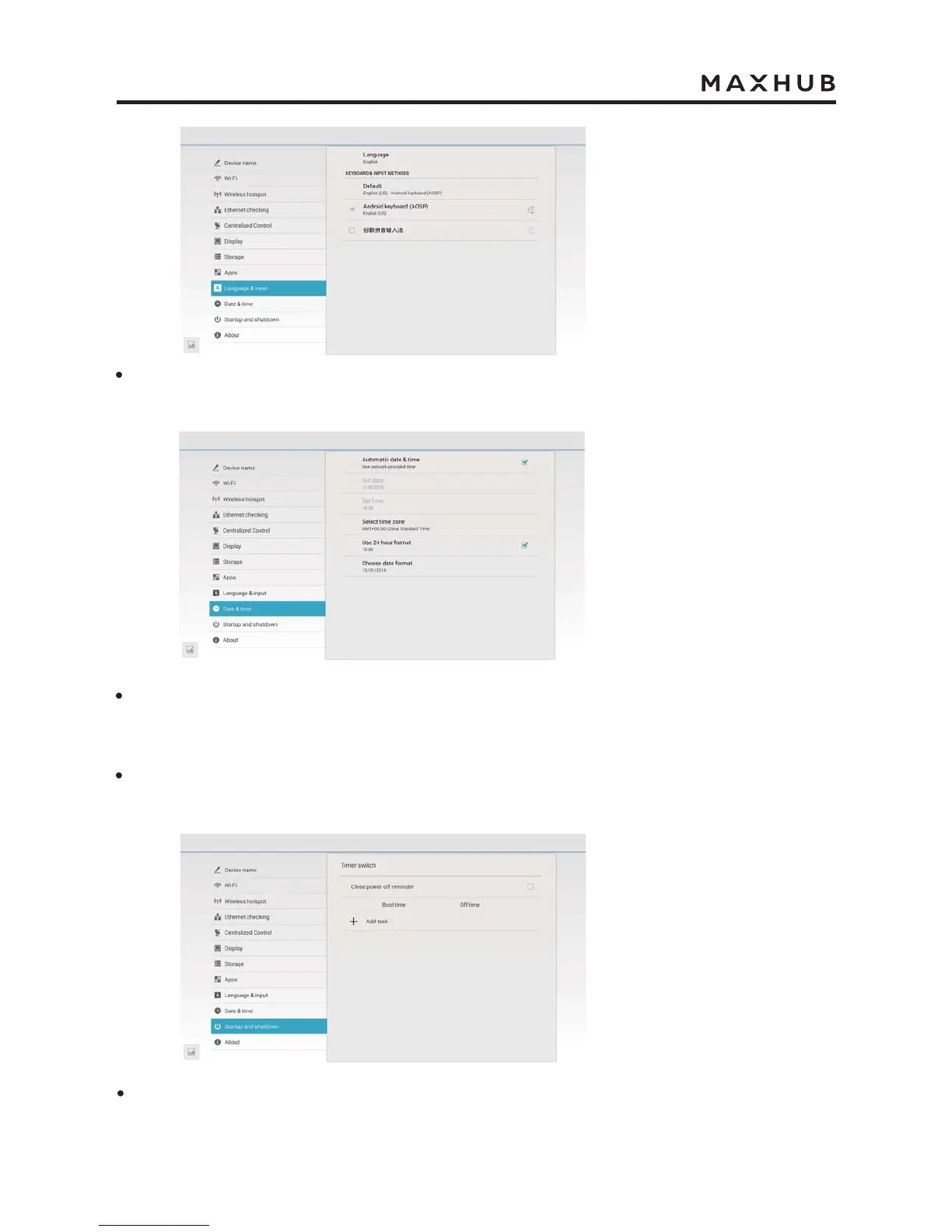
In “Language & Input”, you can select the system language. Click the language, you can
choose the Chinese/English language, and also can select the keyboard & input method.
In “Date & time”, turn on the "Automatic date & time", the system time will be automatically
synchronized with the time zone you select in the time zone setting. This function is
available only when the network is connected.
Turn off the "Automatic date & time", you can click the “Set date” and “Set time” to manually
set the date and time.
In “Startup and shutdown”, you can turn on/off the power off reminder. Click “Add task” to
set the time on/off.



 To Next Page