Usage Method
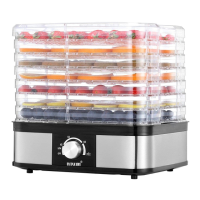
1. Put the clean food in the trays – Do not overload the trays and never overlap the food. Close the damper
door.
2. Plug dehydrator into wall outlet. There is a beep sound at the beginning when it starts up.
Press the “Start/Stop” button, The LED screen will show default time setting “10:00” and temp setting “70
℃”. Motor and fan start first, then heating element start working 5 seconds later. Set time begins to count
down, the signal “:” on LED screen flashes.
3. Press the “TIMER” button and LED screen shows the time value. According to actual needs, press “+" or "-
" button to change the drying time between "0:30” and “19:30". Press "+" or "-" button once, the time
increment or decrement is 30 minute/press. If press "+" or "-" button for long time, then it automatically
increases or decreases. 3 seconds after finish setting the drying time, system automatically gets into
operating mode in current time setup.
4. Press the “TEMP” button and LED screen shows the temp value. According to actual needs, press "+" or "-
" button to change the drying temp between "35℃” and “70℃". Press "+" or "-" button once, the temp
increment or decrement is 5℃/press. If press "+" or "-" button for long time, then it automatically increases
or decreases. 3 seconds after finish setting the drying temp system automatically confirms to work in current
temp setup. LED screen operating in time mode.
Note: Set low temperature for thin/small pieces of food or for a small load of food. Set high temperature for
drying thick/big pieces of food and large loads. The thermostat can also be used to decrease the temperature
as the food is near the end of its drying cycle making it easier to control the final moisture level in the food.
5. During drying process, you can change or check the drying time. Press the “TIMER” button first, then press
the "+" or "-" button. Press “TIMER” button, you can check the setting time.
6. During drying process, you can change or check the drying temp. Press the “TEMP” button first, then press
the "+" or "-" button. 5 seconds after finish changing or checking, LED screen changes to time mode.
7. During drying process, press the “START/STOP” button, all functions will be paused. Screen no display.
8. In standby mode, you can press the “START/STOP” button directly to get into default mode ( TIME : 10
hours TEMP: 700℃). You also can change the drying time and temp if needed.
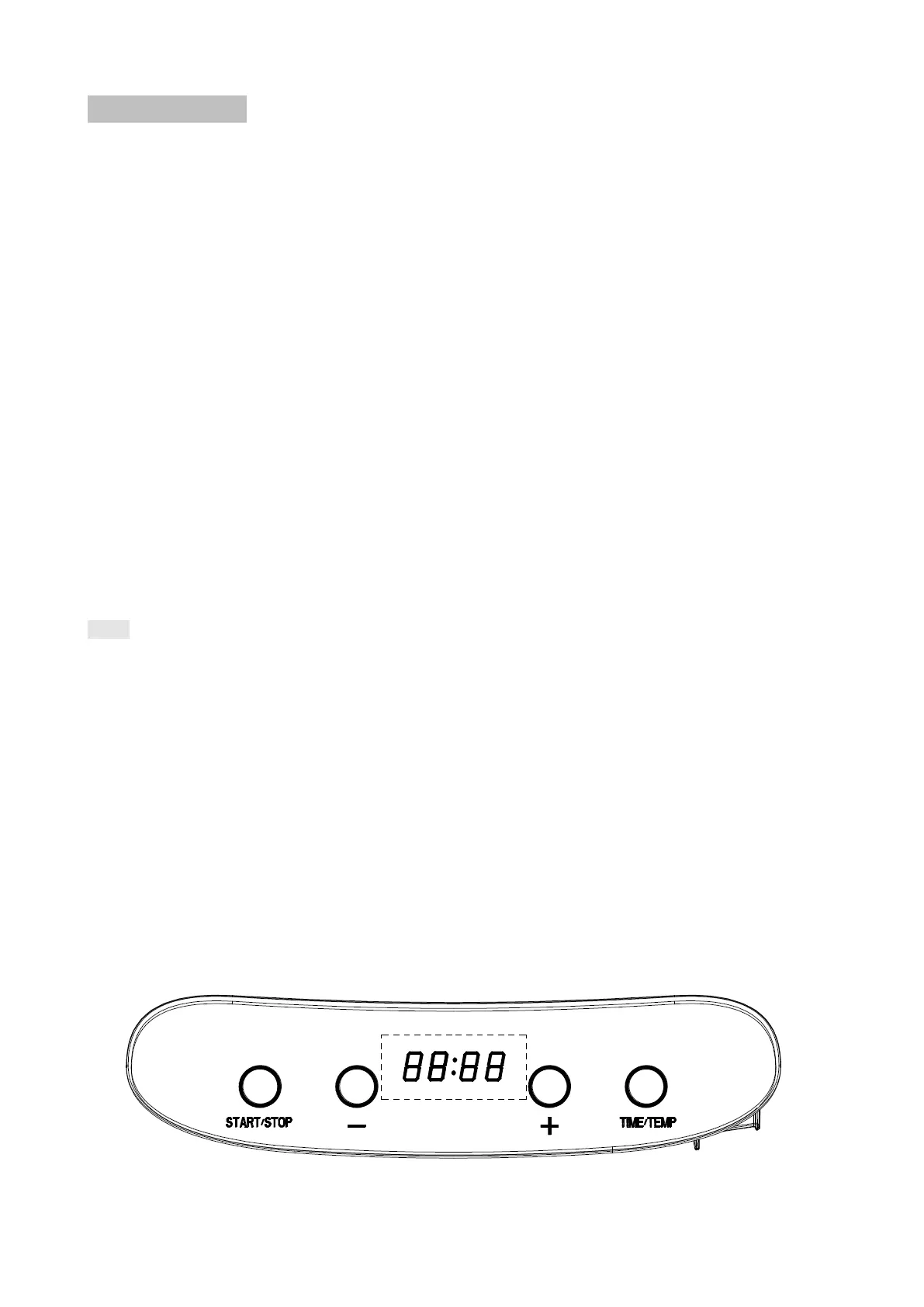
9. Function buttons as below:


 To Next Page
 Loading...