Page 2 of 3
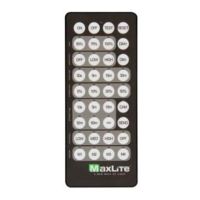
Basic Control Remote
Phone: 1-800-555-5629 Fax: 973-244-7333 Web: www.maxlite.com E-mail: info@maxlite.com Rev: 04/06/21
© 2021 Specications subject to change without notice.
SMALL TAB
BIGGER TAB
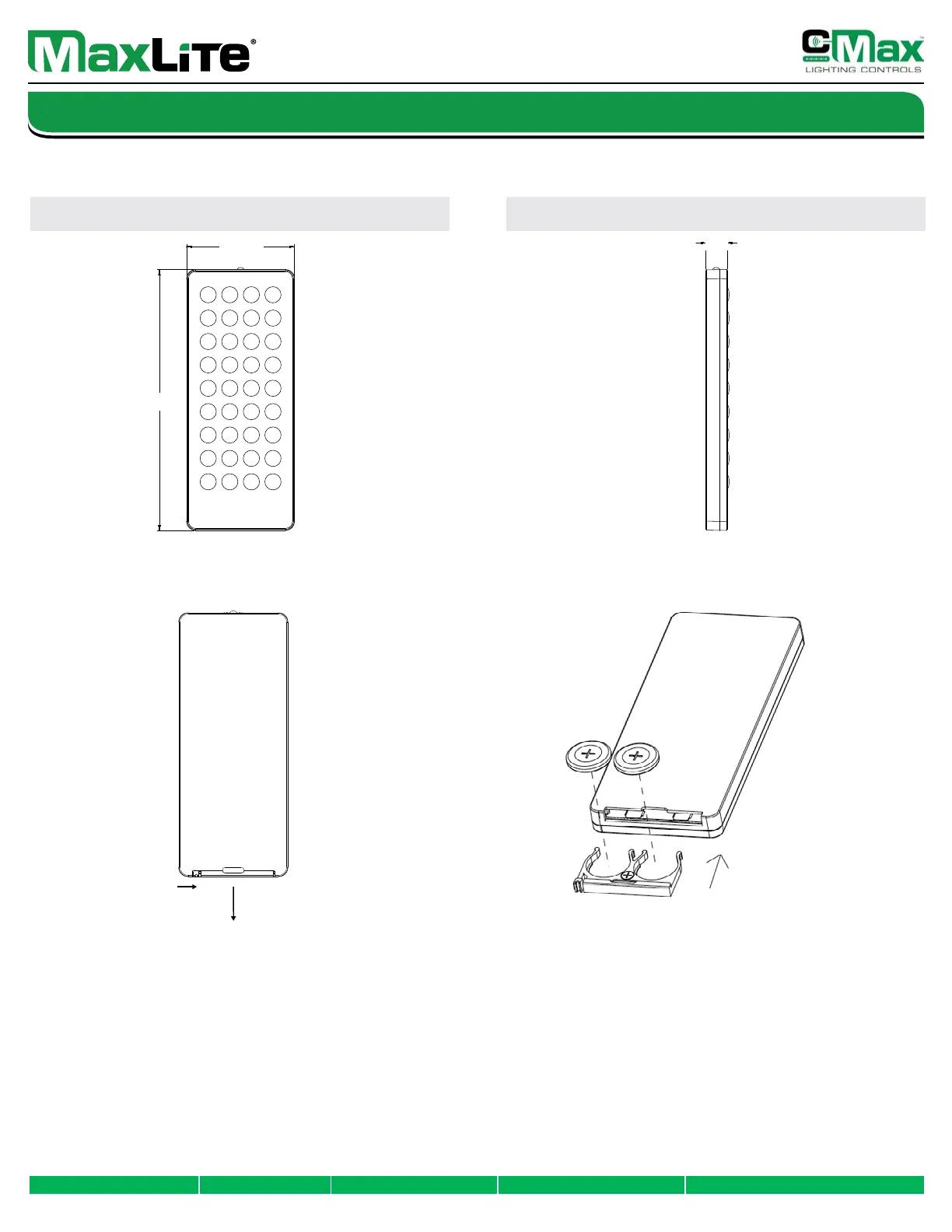
Product Dimensions
FRONT SIDE
Battery Replacement Instructions
Step 1: Flip the remote over. Push the small tab on the left towards
the center of the remote, and pull the bigger tab in the
center away from the remote at the same time.
Step 2: By following step 1, the battery tray will come loose.
Step 1: Flip the remote over. The small tab on the battery tray
should be on the left as shown in the image.
Step 2: Insert two (2) CR2032 batteries into the tray. The positive
side of the batteries should be face up.
Step 3: Once batteries are in place, insert the tray into the remote.
Opening Battery Tray: Installing Batteries:
Common User Errors:
1: If the small tab on the battery tray is not shown as above
(see picture of battery installation), it will not t into the remote.
2: If the negative side of the batteries is facing up, the remote will not be powered.
3: Do not pull the center tab only when opening the battery tray. The small tab has
to be engaged as listed in the above instructions to remove the tray correctly.
2.36”
5.70”
0.46”


 To Next Page
 Loading...